
 Kashifa Jafar
Technology Writer & Contributor
Kashifa Jafar is a technology writer and contributor at FutureTechExpert with 4+ years of experience in technology writing and content creation.
Read Full Bio of Author →
Kashifa Jafar
Technology Writer & Contributor
Kashifa Jafar is a technology writer and contributor at FutureTechExpert with 4+ years of experience in technology writing and content creation.
Read Full Bio of Author →
 Sameena Begum
Health, Technology & Digital Content Reviewer
Sameena reviews selected health, wellness, technology, and digital content for clarity, factual presentation, and reader usefulness.
Read Full Bio of Reviewer →
Sameena Begum
Health, Technology & Digital Content Reviewer
Sameena reviews selected health, wellness, technology, and digital content for clarity, factual presentation, and reader usefulness.
Read Full Bio of Reviewer →
Business Project Management applications enable organizations to plan, organize and implement projects. The applications enable organizations to oversee the execution of projects throughout a business life cycle such as new marketing initiatives, implementing software solutions, client‘s activity or internal management.
By 2026 project management platforms have grown from lists of to-dos as they achieved more sophisticated requirements such as artificial intelligence planning, workflow automation and resource management, reporting dashboards, time tracking. Today all types and sizes of businesses apply project management applications to enhance productivity, miss fewer deadlines, and be more likely to succeed.
Table of Contents
What Are Project Management Apps?
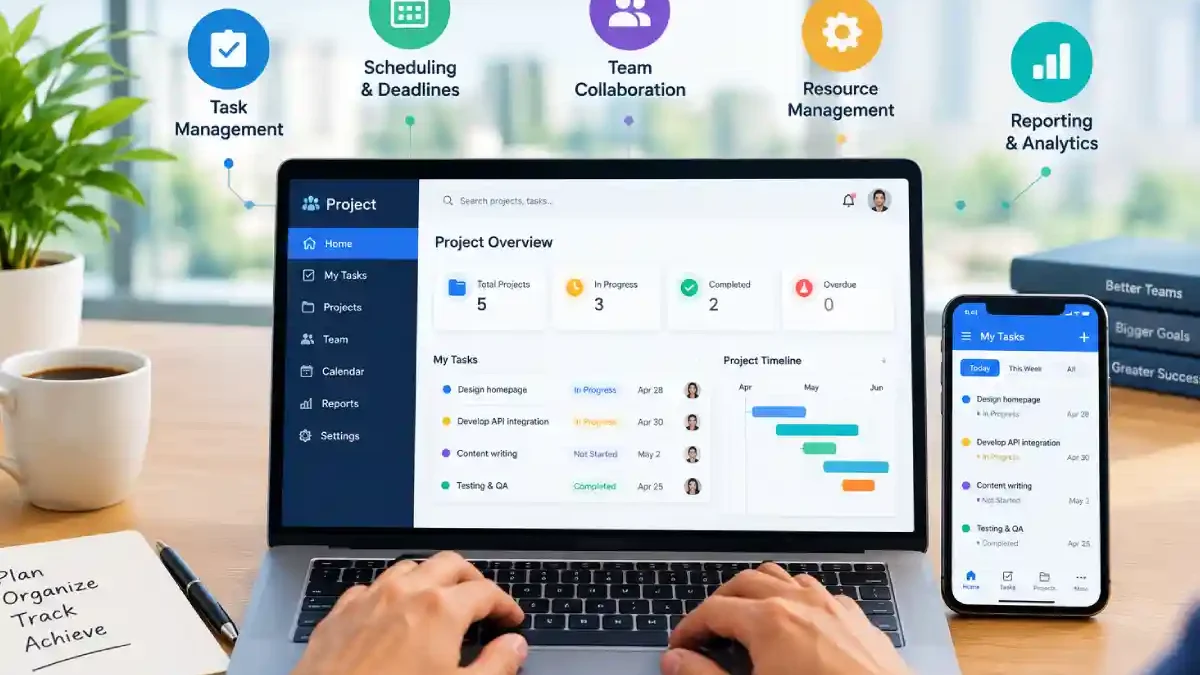
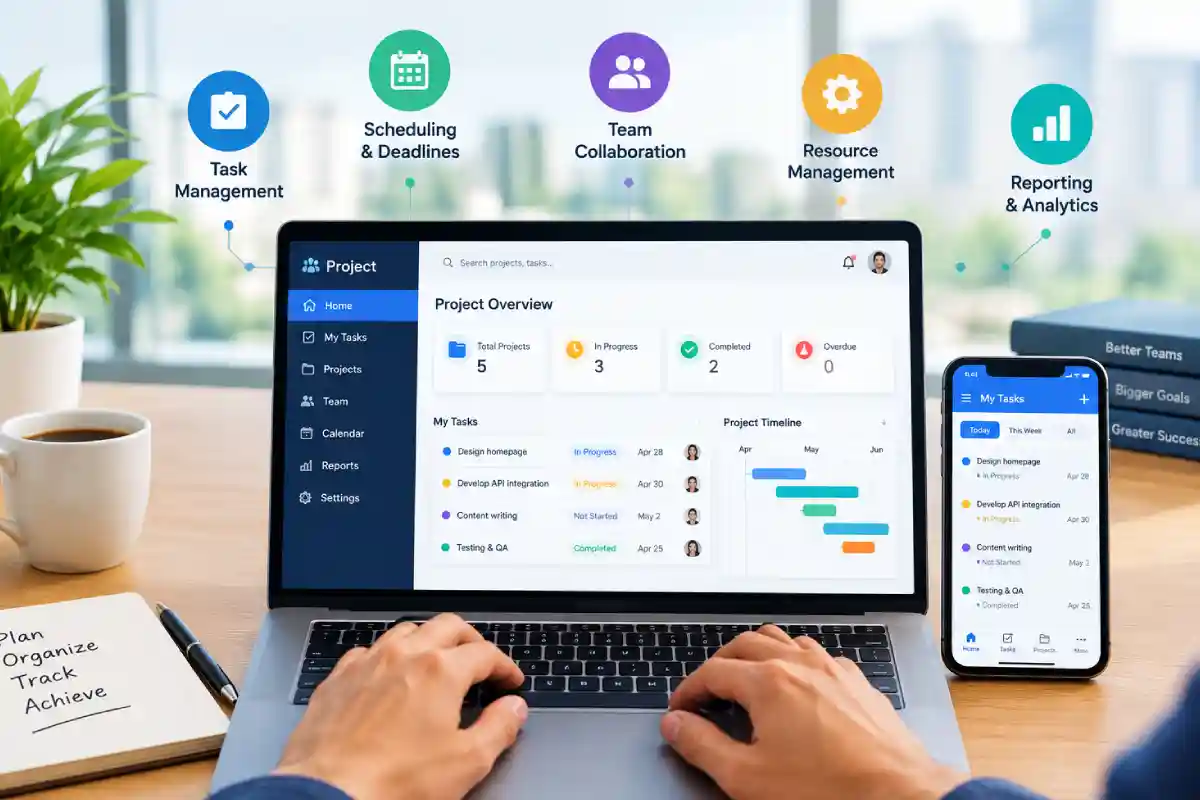
Project management apps are applications that allow a business to define, plan, organize, monitor, and execute a number of projects more successfully. They offer a packaged set of tools designed to offer a single point of entry for the team to control, assign and track projects and tasks.
Today‘s project management tools do much more than just help you create an agenda. Integrating project planning, team collaboration, resource management, analytics and reporting, and business process automation into a single platform, the best apps enable the business to cut down on manual work, keep the team more accountable, and stay on task.
Common functions include:
- Task creation and assignment
- Project planning
- Timeline management
- Team communication
- Resource allocation
- Budget tracking
- Performance reporting
- Workflow automation
Some of the most 2 popular tools are: Asana, ClickUp, Monday, Jira, Wrike, Trello, Zoho Projects.
Benefits of Project Management Apps
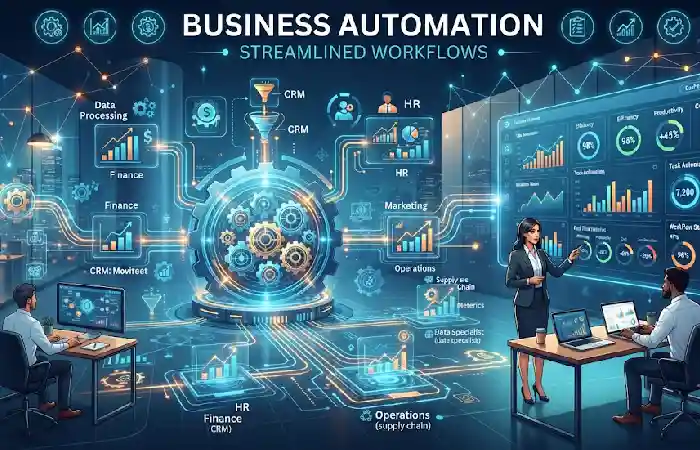
Organizations using project management software report increased efficiency and visibility.
Key Benefits
- Improved project visibility
- Better team accountability
- Faster communication
- Reduced project delays
- Enhanced collaboration
- Streamlined workflows
- Better resource utilization
- Data-driven decision making
Business Impact
| Benefit | Business Outcome |
| Task Tracking | Fewer missed deadlines |
| Collaboration | Faster project completion |
| Reporting | Better management decisions |
| Automation | Reduced manual work |
| Scheduling | Improved resource planning |
Task and Project Tracking
Task tracking is one of the most important features of project management apps.
Teams can:
- Create tasks and subtasks
- Set priorities
- Assign ownership
- Monitor progress
- Track completion status
- Manage dependencies
Most of the modern tools present also user KanBan boards, List view, and Gantts/Calendar views.
Example Workflow
- Create project
- Add tasks
- Assign team members
- Set deadlines
- Track progress
- Review completion
This structure helps businesses maintain project visibility throughout the project lifecycle.
Team Collaboration Features
Tools for collaboration break down communication silos and keep everyone on the same page.
Popular collaboration features include:
- Real-time messaging
- Team comments
- Shared workspaces
- File sharing
- Document collaboration
- Activity feeds
- Notifications
- Video meeting integrations
These capabilities are particularly valuable for distributed teams working across multiple locations.
Collaboration Comparison
| Feature | Benefit |
| Team Chat | Faster communication |
| File Sharing | Centralized documents |
| Comments | Contextual discussions |
| Notifications | Real-time updates |
| Shared Workspaces | Better coordination |
Project Scheduling and Deadlines
Scheduling tools help businesses maintain timelines and avoid project overruns.
Most project management apps provide:
- Project calendars
- Gantt charts
- Milestone tracking
- Task dependencies
- Timeline views
- Deadline alerts
Generally, managers can recognize bottleneck and modify the schedule in time to prevent delay of the project.
Best Scheduling Tools
| Platform | Scheduling Features | Resource Link |
| Asana | Timeline & Dependencies | https://asana.com |
| Monday.com | Gantt & Workload Views | https://monday.com |
| ClickUp | Advanced Scheduling | https://clickup.com |
| Jira | Agile Sprint Planning | https://atlassian.com/software/jira |
| Wrike | Dynamic Timelines | https://wrike.com |
Resource Management
Well-organized resources make sure that the most suitable people are put to work on the most appropriate things.
Key resource management capabilities include:
- Team workload monitoring
- Capacity planning
- Resource forecasting
- Time allocation
- Utilization reporting
Less burnout for employees, while being more productive these are the tools.
Resource Management Metrics
| Metric | Purpose |
| Capacity | Available work hours |
| Utilization | Resource efficiency |
| Workload | Task distribution |
| Allocation | Resource planning |
Project Reporting and Analytics
Reporting provides insights into project performance and team productivity.
Modern project management apps offer:
- Custom dashboards
- Progress reports
- Performance metrics
- Budget tracking
- Resource utilization reports
- Project forecasting
Common KPIs
- Project completion rate
- Task completion percentage
- Resource utilization
- Budget variance
- Schedule variance
- Team productivity
Analytics empower managers with the ability to make data-driven decisions and to strive for constant improvement of project execution.
Project Management Apps for Small Businesses
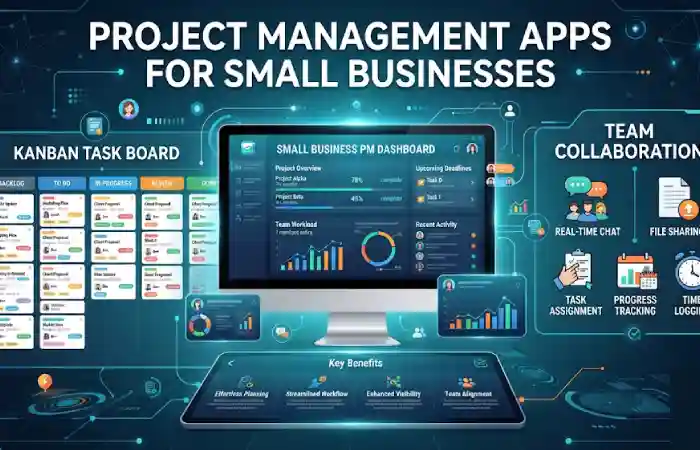
Small businesses need affordable and easy-to-use solutions.
Recommended Options
| Software | Best For | Starting Plan |
| Trello | Simple task management | Free |
| ClickUp | All-in-one management | Free/Paid |
| Zoho Projects | Budget-conscious businesses | Affordable |
| Asana | Growing teams | Free/Paid |
| Monday.com | Visual project tracking | Paid |
According to recent software comparisons, ClickUp, Asana, Monday.com, Jira, and Zoho Projects remain among the most widely adopted project management solutions in 2026.
Project Management Apps for Remote Teams
Remote and hybrid teams require strong collaboration and communication tools.
Essential Features
- Cloud-based access
- Mobile applications
- Video conferencing integrations
- Real-time collaboration
- Shared dashboards
- Instant notifications
Remote teams benefit from centralized workspaces that provide visibility regardless of location.
Remote Team Requirements
| Requirement | Importance |
| Cloud Access | High |
| Collaboration | High |
| Mobile Support | High |
| Security | High |
| Reporting | Medium |
How to Choose a Project Management App
Selecting the right platform depends on business size, project complexity, and team requirements.
Consider These Factors
- Team Size
Choose software that scales with growth.
- Project Complexity
Simple projects may only require task management, while larger initiatives need advanced planning tools.
- Budget
Evaluate both current and future costs.
- Integrations
Ensure compatibility with tools like Slack, Microsoft Teams, Google Workspace, and CRM systems.
- Reporting Requirements
Look for dashboards and analytics that match management needs.
- Ease of Use
User adoption is critical for project success.
Frequently Asked Questions
What are business project management apps?
Business project management applications are used by companies to plan, organize, track and manage projects in an effective manner.
What is the best project management software for small businesses?
Which tools in popular use are? These would be, depending on budget and features need Ed, like ClickUp, Trello, Zoho Projects, Asana and Monday.com.
Do project management applications enhance efficiency?
Yes. They are great for transparency, collaboration, accountability, and workflow.
Are project management applications appropriate for remote teams?
Yes indeed. Our current systems are also mostly cloud-available, and build upon a networked way of working.
What should I be looking at?
Tasks, collaboration, schedules, reporting, resources, automation and integrations (most or all of these features) are the functional core.
Conclusion
These apps involve to manage business projects on the right way. To control and coordinate projects within organizations have now become a vital for more productivity, collaboration and transparency. Whether managing from task management, scheduling, resources management or dashboard and analytics the array of project management tools empowers employees to excel in team projects, complete them on time, within budget. The major reason that a business has to pick the appropriate business project management system is that whether it is any small, expanding or grown enterprise this application will long last.
Kashifa Jafar is a technology writer and contributor at FutureTechExpert with 4+ years of experience in technology writing and content creation.
Read Full Bio of Author →Sameena reviews selected health, wellness, technology, and digital content for clarity, factual presentation, and reader usefulness.
Read Full Bio of Reviewer →