
 Kashifa Jafar
Technology Writer & Contributor
Kashifa Jafar is a technology writer and contributor at FutureTechExpert with 4+ years of experience in technology writing and content creation.
Read Full Bio of Author →
Kashifa Jafar
Technology Writer & Contributor
Kashifa Jafar is a technology writer and contributor at FutureTechExpert with 4+ years of experience in technology writing and content creation.
Read Full Bio of Author →
 Sameena Begum
Health, Technology & Digital Content Reviewer
Sameena reviews selected health, wellness, technology, and digital content for clarity, factual presentation, and reader usefulness.
Read Full Bio of Reviewer →
Sameena Begum
Health, Technology & Digital Content Reviewer
Sameena reviews selected health, wellness, technology, and digital content for clarity, factual presentation, and reader usefulness.
Read Full Bio of Reviewer →
Social Media Apps for Messaging The way communicate in online has never easier as today. Whether you‘re sharing with friends or working with your team, watching the picture or having a video conference, the chat app you use is so mush than just sending a text. In 2026, people use rely on messaging apps like WhatsApp, Telegram, Messenger, Snapchat, Instagram or Signal.
Messaging apps are incorporated all these elements of social networking, phone calls, video and photo sharing, and high security into the single package.
Social Media Messaging Apps Market Overview (2026)
| App | Estimated Active Users | Key Strength | Official Website |
| 3+ Billion | End-to-end encrypted messaging | ||
| Telegram | 1 Billion | Large groups and channels | Telegram |
| Facebook Messenger | 1+ Billion | Facebook integration | Messenger |
| Instagram Direct | 2+ Billion ecosystem | Social messaging | |
| Signal | Privacy-focused | Security and encryption | Signal |
| Snapchat | 900M+ | Disappearing messages | Snapchat |
User figures are based on publicly reported industry estimates and platform disclosures for 2026.
Table of Contents
What Are Social Media Messaging Apps?
Social media messaging apps enable to communicate directly with others in real-time. They provide a platform to instantly exchange messages and make Voice and Video calls. They also enable users to share images and videos and send or receive messages from individuals or groups via the internet.
Popular social media messaging platforms including WhatsApp, Telegram, Facebook Messenger, Instagram DMs, Snapchat and Signal or more though the application, users are empowered to be in contact with one another simultaneously through multiple devices and in various locations.
They offer additional functionality such as group messaging, self-destructing messages, voice memos, file sharing, live location sharing and end-to-end encryption.
Unlike traditional SMS services, these apps use internet connectivity to deliver messages and provide additional features such as:
- Instant messaging
- Voice calls
- Video calls
- Group chats
- File sharing
- Status updates
- Social interactions
- Business communication tools
Others are for example WhatsApp, Telegram, Messenger, Instagram Direct Messages, Signal.
Messaging Features in Social Media Apps
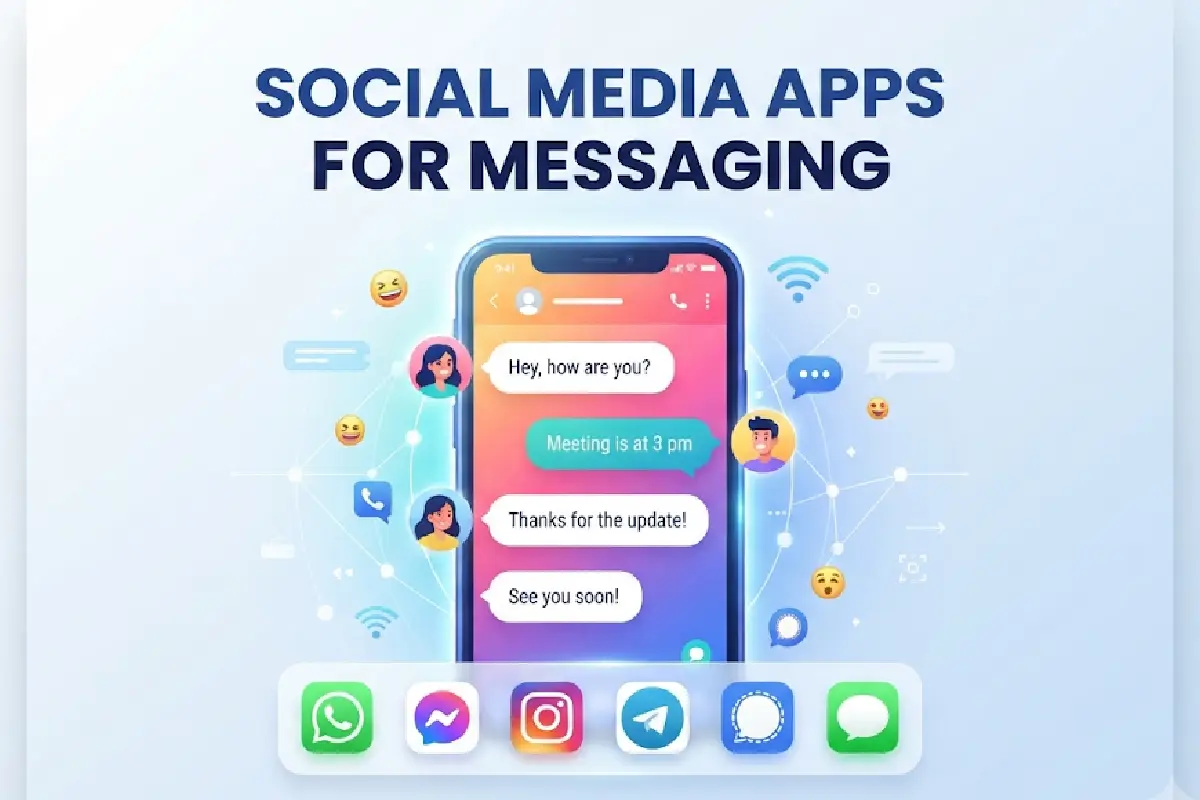
Most current messaging applications have an abundance of messaging features available from the communication layer.
Common Features
| Feature | Benefit |
| Text Messaging | Instant communication |
| Group Chats | Team collaboration |
| Voice Calls | Free internet calling |
| Video Calls | Face-to-face communication |
| Media Sharing | Photos, videos, documents |
| Reactions & Emojis | Enhanced engagement |
| Message Search | Faster information retrieval |
| Cloud Sync | Multi-device access |
All of these features have made the messaging applications full-fledged ecosystems.
One-to-One Messaging
Messaging is still the most popular feature of all social media communication apps.
Benefits
- Private conversations
- Instant delivery
- Read receipts
- Voice notes
- Location sharing
- Contact sharing
Applications like WhatsApp, Signal, and Telegram are great for one-to-one messaging experiences.
Within messaging usage stats, WhatsApp still produces some of the highest daily interactions for messaging platforms worldwide.
Group Messaging
Group Chat Enables Several Participants to Interact in One Online Conversation.
Popular Group Messaging Features
- Member management
- Admin controls
- Poll creation
- File sharing
- Group video calls
- Community channels
Telegram is known especially for allowing very large communities and channels and as such used by many creators/companies.
Group Messaging Comparison
| App | Maximum Group Size |
| Large communities | |
| Telegram | Massive channels and groups |
| Messenger | Social groups |
| Signal | Private groups |
| Discord | Community servers |
Voice and Video Communication
Messaging applications are able to directly compete with calls.
Voice Calling Benefits
- Global connectivity
- Reduced communication costs
- HD audio quality
- Cross-platform compatibility
Video Calling Features
- HD video
- Screen sharing
- Virtual backgrounds
- Multi-participant meetings
Provides integrated voice/video communication applications. For example, WhatsApp, Messenger, Telegram, Signal.
Sharing Photos and Media
Sharing content has become an integral part of social messaging.
Content Types Supported
- Photos
- Videos
- GIFs
- Documents
- Voice recordings
- Links
- Stickers
Best Apps for Media Sharing
| App | Media Sharing Strength |
| Everyday sharing | |
| Telegram | Large file transfers |
| Visual content | |
| Snapchat | Temporary media |
| Messenger | Social integration |
Users are more likely to share contents via messaging app than email.
Privacy and Security Features
One of the most significant considerations when choosing a messaging app is security.
Essential Security Features
- End-to-end encryption
- Two-factor authentication
- Device verification
- Message expiration
- Screen lock protection
- Spam filtering
Security Comparison
| App | End-to-End Encryption | Self-Destruct Messages |
| Signal | Yes | Yes |
| Yes | Yes | |
| Telegram | Optional Secret Chats | Yes |
| Messenger | Available | Yes |
| Snapchat | Partial | Yes |
Although Signal is highly praised for its privacy-focused approach, WhatsApp in fact still is the most prevalent encrypted messenger.
Managing Notifications
Notification management maintains user productivity while staying connected.
Best Practices
- Mute unnecessary groups
- Prioritize important contacts
- Enable focus modes
- Customize notification sounds
- Schedule quiet hours
Easy to reduce distractions in the digital world with the right notification settings.
Troubleshooting Notification Issues
| Problem | Solution |
| No message alerts | Check notification permissions |
| Delayed messages | Verify internet connection |
| Missing calls | Disable battery optimization |
| No sound alerts | Review app sound settings |
| Sync issues | Update the application |
Choosing a Messaging App

The best messaging platform depends on your communication needs.
Choose WhatsApp If:
- Most contacts already use it
- You need reliable messaging
- You want voice and video calling
Choose Telegram If:
- You manage large communities
- You need cloud-based messaging
- You share large files frequently
Select Signal If:
- Privacy is your top priority
- You prefer minimal data collection
Choose Messenger If:
- You actively use Facebook
- You need social networking integration
Choose Snapchat If:
- You prefer temporary content
- You communicate visually
Frequently Asked Questions
Which social messaging app is most popular?
WhatsApp is still used by billions of users across the world.
Which messenger is more secure?
Signal is classed as one of, if not the, most secure privacy messaging applications. This is because of its encryption first policy.
Are messaging apps free?
Most social messaging apps are free and only need to be connected to the internet.
Which app is better for community?
Telegram is favored for big communities because it has large groups and channels.
Can App Messaging Formats Replace Sending Email?
Messaging apps are an alternative to many email communications for quick messaging and collaboration, but email still has an important role in formal communication.
Conclusion
Messaging social media apps have become a comprehensive communication tool that allows text chatting, voice calling, video conferencing, media sharing and encrypted chatting. For privacy protection, community management, media sharing or simple chatting needs, you can find a proper messaging app. Looking forward in 2026, messaging apps will be more secure, intelligent and integrated.
Kashifa Jafar is a technology writer and contributor at FutureTechExpert with 4+ years of experience in technology writing and content creation.
Read Full Bio of Author →Sameena reviews selected health, wellness, technology, and digital content for clarity, factual presentation, and reader usefulness.
Read Full Bio of Reviewer →