
 Kashifa Jafar
Technology Writer & Contributor
Kashifa Jafar is a technology writer and contributor at FutureTechExpert with 4+ years of experience in technology writing and content creation.
Read Full Bio of Author →
Kashifa Jafar
Technology Writer & Contributor
Kashifa Jafar is a technology writer and contributor at FutureTechExpert with 4+ years of experience in technology writing and content creation.
Read Full Bio of Author →
 Sameena Begum
Health, Technology & Digital Content Reviewer
Sameena reviews selected health, wellness, technology, and digital content for clarity, factual presentation, and reader usefulness.
Read Full Bio of Reviewer →
Sameena Begum
Health, Technology & Digital Content Reviewer
Sameena reviews selected health, wellness, technology, and digital content for clarity, factual presentation, and reader usefulness.
Read Full Bio of Reviewer →
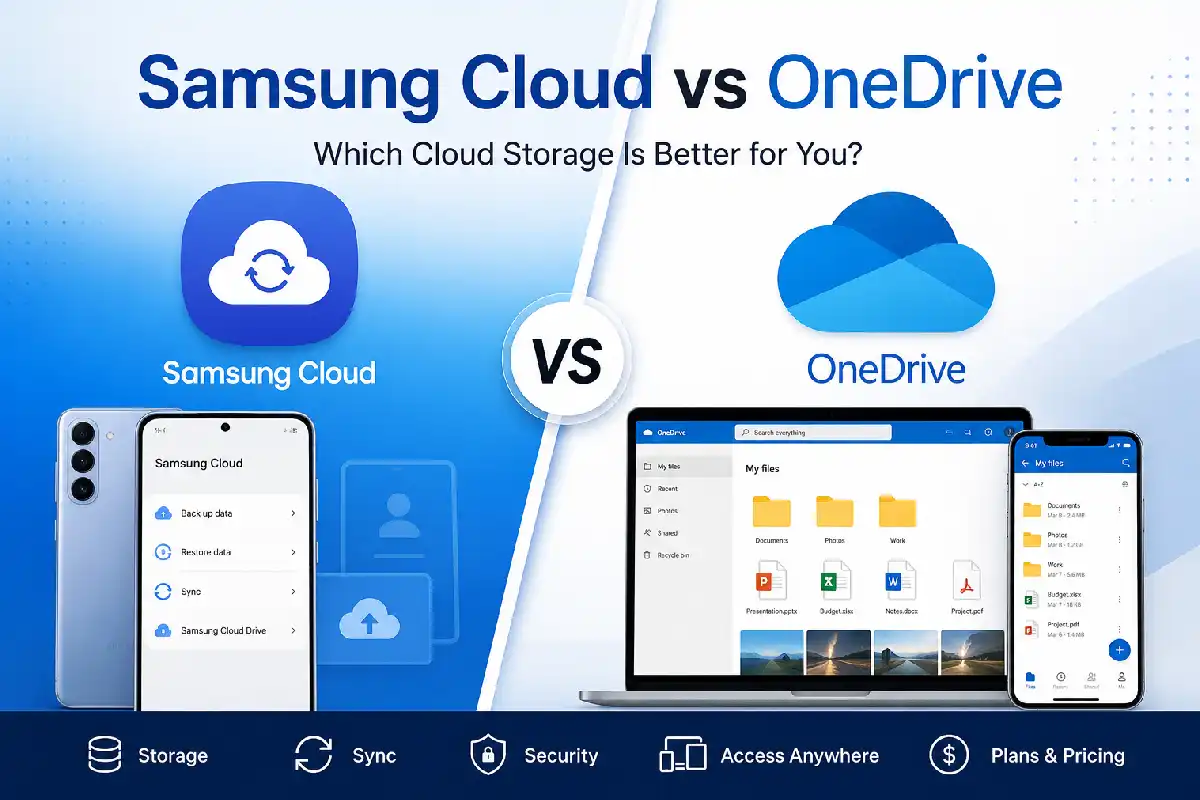
Looking to compare Samsung Cloud vs OneDrive? You’re not the first. Ever since Samsung teamed up with Microsoft, Galaxy users have been asking the question, which is the best cloud service for storing images, video, docs or copying to my device?
In 2026, Samsung Cloud and OneDrive are used for different things. OneDrive is now the officially recommended Windows and Android cloud storage place for Samsung users to store all their photos, videos and other documents.
Before comparing OneDrive integration, it’s helpful to understand how Samsung Cloud Storage works and what data it can store across Galaxy devices.
Samsung Cloud has its primary backup focus on syncing settings and some Samsung apps’ data. Compare the key features between these two online storage sites.
 This article is part of
Storage of Cloud Computing Resources
Samsung Cloud vs OneDrive at a Glance
| Feature | Samsung Cloud | OneDrive |
| Primary Purpose | Device backup | File and photo storage |
| Free Storage | Limited app/device backup | 5 GB |
| Photo Backup | Uses OneDrive | Native |
| File Sync | Limited | Excellent |
| Cross-platform Support | Samsung devices | Windows, Android, iOS, Mac, Web |
| Microsoft 365 Integration | No | Yes |
| Collaboration | No | Yes |
| Best For | Samsung settings backup | Everyday cloud storage |
Official Resources
| Resource | Link |
| Samsung Cloud | https://www.samsung.com/support/mobile-devices/about-samsung-cloud/ |
| Microsoft OneDrive | https://www.microsoft.com/onedrive |
Table of Contents
Why Samsung Partnered With OneDrive
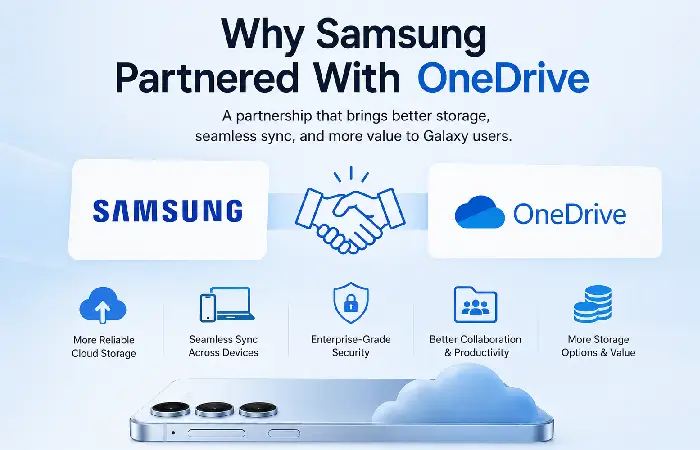
Samsung revealed collaboration with Microsoft to enhance cloud storage solutions on Galaxy products.
Rather than develop its own cloud storage infrastructure, Samsung merged OneDrive into its Gallery and file management applications.
Benefits include:
- Better cloud infrastructure
- More reliable backups
- Improved synchronization
- Larger storage options
- Microsoft 365 integration
- Cross-device accessibility
Today, Samsung Cloud mainly stores:
- Contacts
- Calendar
- Settings
- Samsung Notes (depending on sync settings)
- Wi-Fi information
- Device preferences
Most of the Images and Videos are now stored on one drive.
If you’re new to Samsung’s cloud services, this guide explains how to use Samsung Cloud Storage before syncing your files with OneDrive.
Storage Features Compared
When it comes to comparing Samsung Cloud vs OneDrive, storage capacity and flexibility are the concerns. But unlike Samsung Cloud intended only to store your critical data from your Samsung device, OneDrive is a comprehensive cloud storage platform allowing you to store, sync and access your files all from any corner.
For users who uploadphotos, videos or work documents on a daily basis, OneDrive offers much larger capacity and more flexible scalability.
| Feature | Samsung Cloud | OneDrive |
| Free Storage | Device backup only | 5 GB |
| Paid Plans | Not available | 100 GB, 1 TB, 6 TB (Microsoft 365 Family) |
| Expandable Storage | No | Yes |
| Automatic Sync | Limited | Yes |
| File Version History | No | Yes |
| Large File Upload | Limited | Supports large files |
Storage Comparison Chart
| Storage Plan | Samsung Cloud | OneDrive |
| Free | Device Backup | 5 GB |
| Basic Paid | Not Available | 100 GB |
| Premium | Not Available | 1 TB |
| Family | No | Up to 6 TB |
OneDrive is by far the more flexible alternative for those people who require more space on the cloud.
Creating regular backups is essential, and our Samsung Cloud backup guide walks you through every step.
File Sync Capabilities
OneDrive is great at syncing files. For productivity and daily use, One Drive is substantially more advanced.
Samsung Cloud
Pros
- Syncs Samsung settings
- Easy device restoration
- Works automatically
Cons
- Limited file synchronization
- No desktop sync
OneDrive
Pros
- Windows Explorer integration
- Mobile apps
- Automatic synchronization
- Offline access
- Version history
- Cross-device editing
Comparison Table
| Capability | Samsung Cloud | OneDrive |
| Windows Sync | No | Yes |
| Mac Support | Limited | Yes |
| Android Support | Samsung only | All Android |
| iPhone Support | No | Yes |
| Web Access | Limited | Full |
For productivity and daily use, OneDrive is significantly more capable.
Before relying on cloud sync, it’s worth understanding the current Samsung Cloud storage limits and supported features.
Photo Backup Options
Photo backup is one of the most significant differences in the Samsung Cloud to OneDrive comparison. Samsung Cloud used to save all the pictures and videos taken on Galaxy devices but now Samsung has committed this to OneDrive.
These days, the OneDrive cloud is the first choice to backup media from Galaxy devices, as it offers greater storage, enhanced sync, and easier access on many platforms.
Benefits include:
- Automatic camera uploads
- Original-quality photos
- Album synchronization
- AI-powered search
- Easy sharing
- Automatic organization
Samsung Gallery is now integrated with One Drive so that users can back their photos up without having to install an additional application.
If you regularly take pictures or record video, then this is an ideal choice.
If protecting your images is your priority, learn how to back up photos with Samsung Cloud and manage photo syncing efficiently.
Security Features
The storage of personal files online needs to be secured.
| Security Feature | Samsung Cloud | OneDrive |
| Encryption | Yes | Yes |
| Data in Transit | Yes | Yes |
| Data at Rest | Yes | Yes |
| Two-Factor Authentication | Samsung Account | Microsoft Account |
| Ransomware Protection | No | Yes (Premium) |
| Personal Vault | No | Yes |
Security Comparison
| Category | Winner |
| Basic Security | Tie |
| Advanced Protection | OneDrive |
| Identity Protection | OneDrive |
| Recovery Options | OneDrive |
Microsoft also offers some enterprise-level security options that make One Drive among the most secure cloud space.
Best Choice for Samsung Users
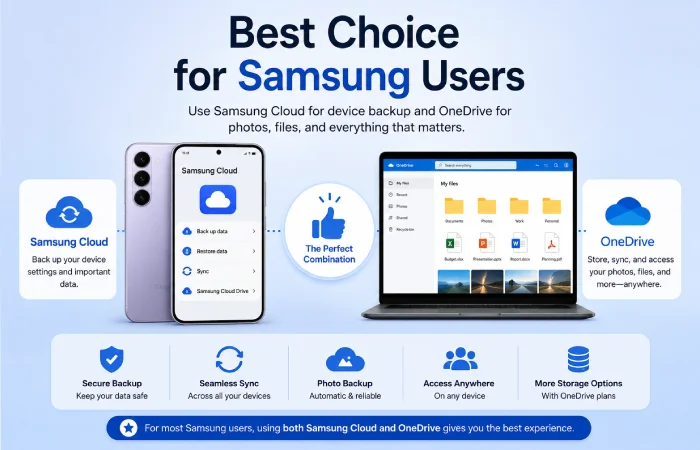
The most suitable option varies depending on your Galaxy device usage.
| User Type | Recommended Service |
| Casual Samsung User | Samsung Cloud + OneDrive |
| Photo Enthusiast | OneDrive |
| Business User | OneDrive |
| Microsoft 365 Subscriber | OneDrive |
| Device Backup Only | Samsung Cloud |
| Multi-device User | OneDrive |
The majority of users in 2026 should find that combining both services gives the best overall experience. Samsung Cloud will take care of all device settings, while OneDrive can take care of the rest.
If you’re deciding between cloud providers, compare Samsung Cloud vs Google Drive to see which service better matches your storage needs.
Frequently Asked Questions
Is Samsung Cloud Still Available in 2026?
Yes. Device settings, contacts, calendars and certain Samsung services are still available in Samsung Cloud, but photo and file storage is now done via OneDrive.
Is it free for Samsung?
Yes. There is 5 GB free space on OneDrive, and more is available through paid plans.
Can I access Samsung Cloud without using OneDrive?
Yes, but only for supported Samsung data. However, Photos and videos are designed to sync with OneDrive.
Which service does a better job for photo storage?
OneDrive has all the features to make it superior such as automatic uploads, access to photos from other platforms and more space to store them.
Can I opt for Google Drive?
Yes. Google’s cloud storage service “Drive”, is also becoming very popular, though the Gallery app in Samsung’s phones is becoming ‘cloud’ compatible with OneDrive.
Conclusion
Comparing Samsung Cloud vs OneDrive, it‘s obvious that one complements each other in the Samsung ecosystem. Samsung Cloud is the best choice for backing up critical device settings and Samsung-specific data and OneDrive can be used for full cloud storage service (photos, videos, documents, file sync between devices).
By 2026 for most Galaxy users, the most logical combination to use would be both, Samsung Cloud for device backup & recovery, and OneDrive for general use such as storage & sharing. If a user needs more space, better security & easier access to all your devices through Windows, Android, iPhone and web, then OneDrive will be the smarter choice in the long run.
Kashifa Jafar is a technology writer and contributor at FutureTechExpert with 4+ years of experience in technology writing and content creation.
Read Full Bio of Author →Sameena reviews selected health, wellness, technology, and digital content for clarity, factual presentation, and reader usefulness.
Read Full Bio of Reviewer →