
 Kashifa Jafar
Technology Writer & Contributor
Kashifa Jafar is a technology writer and contributor at FutureTechExpert with 4+ years of experience in technology writing and content creation.
Read Full Bio of Author →
Kashifa Jafar
Technology Writer & Contributor
Kashifa Jafar is a technology writer and contributor at FutureTechExpert with 4+ years of experience in technology writing and content creation.
Read Full Bio of Author →
 Sameena Begum
Health, Technology & Digital Content Reviewer
Sameena reviews selected health, wellness, technology, and digital content for clarity, factual presentation, and reader usefulness.
Read Full Bio of Reviewer →
Sameena Begum
Health, Technology & Digital Content Reviewer
Sameena reviews selected health, wellness, technology, and digital content for clarity, factual presentation, and reader usefulness.
Read Full Bio of Reviewer →
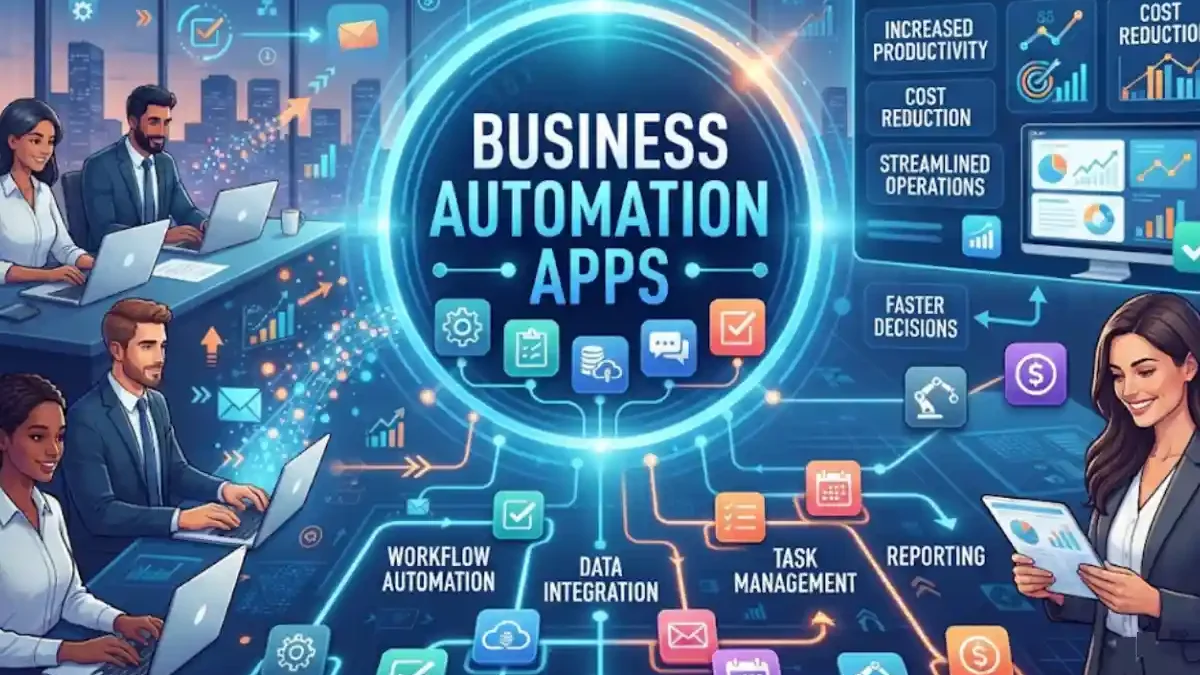
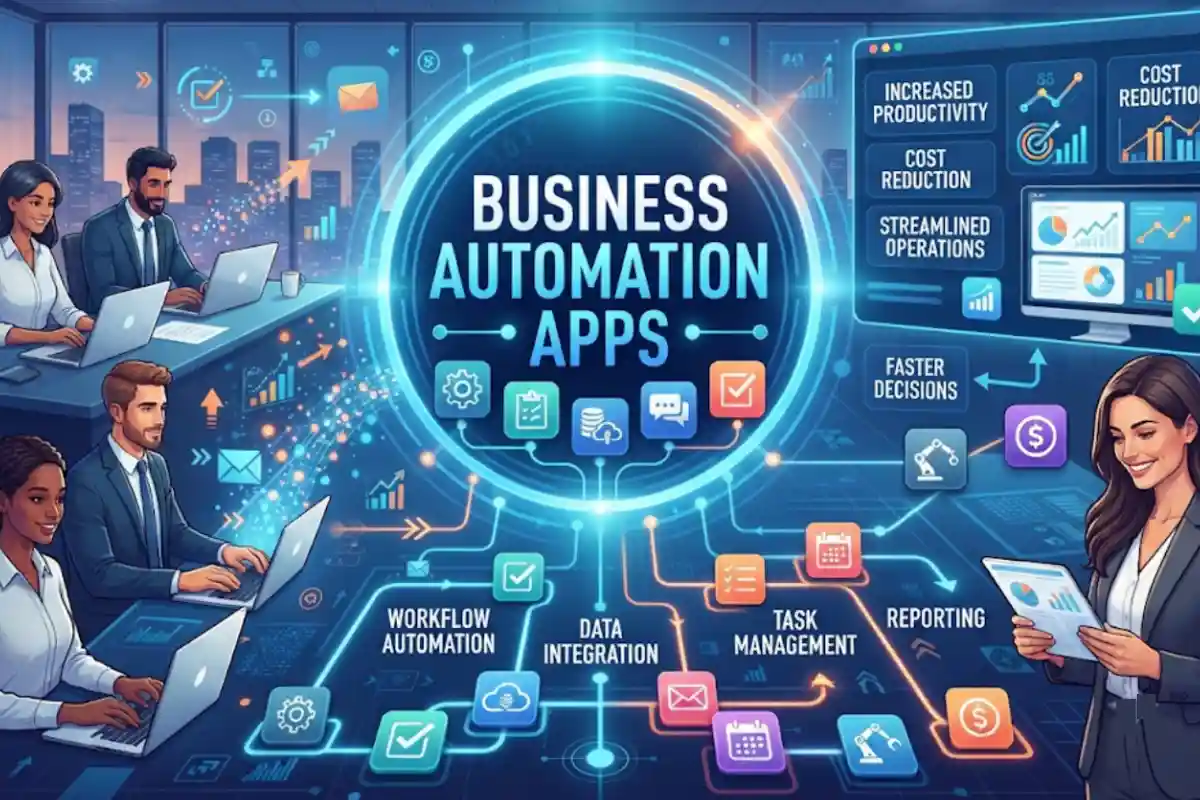
Business Automation Apps enable organizations to automate tasks, workflows, approvals, customer touch points and data exchanges without full-time manual intervention.Businesses in 2026 are more and more using automation platforms that are enabled by AI, workflow engines, integrations, etc and help them operate faster, error free and at a higher scale.
From running marketing campaigns, invoices, and tracking leads, to providing excellent customer service, apps can do the day-to-day work so your team can focus on the high-level work.
Table of Contents
What Are Business Automation Apps?
Business collaboration applications are software tools designed to enable employees and teams to communicate, share information, and work together more efficiently. These solutions enable voice conversations, messaging, file sharing, unified meetings, and workflow management in a single workspace regardless of where team members work.
Collaboration apps also replace mountains of email and siloed systems. With a collaboration app, users communicate with co-workers directly within a single application, including messaging, video conferencing, document sharing, task management, and team Collaboration.
These apps can automate:
- Data entry
- Email notifications
- Customer onboarding
- Lead management
- Invoice processing
- Employee approvals
- Support ticket routing
- Report generation
Instead of having to transfer data manually between systems, automation tools link applications together and perform tasks automatically.
Common Examples
| Automation Type | Example |
| Workflow Automation | Approval requests |
| Marketing Automation | Email campaigns |
| Sales Automation | Lead nurturing |
| Finance Automation | Invoice processing |
| Customer Service Automation | Ticket assignment |
| HR Automation | Employee onboarding |
How Business Automation Works
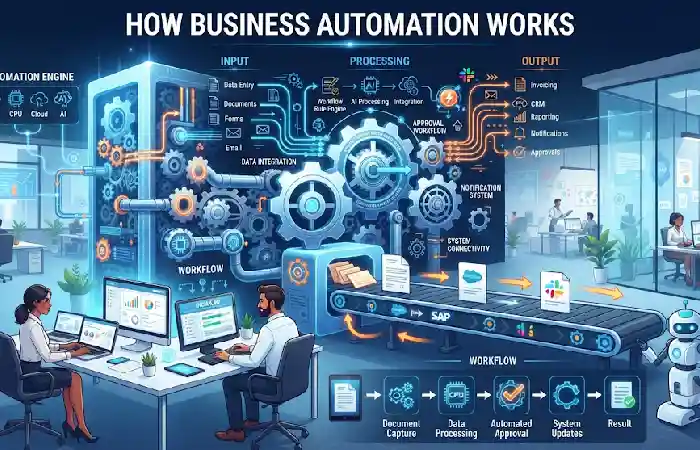
Business automation follows a simple process:
- Trigger
An event starts the workflow.
Example:
- New lead submits a form
- Customer places an order
- Invoice is received
- Workflow Logic
The system determines what actions should happen.
Example:
- Validate data
- Check conditions
- Route approvals
- Automated Actions
Tasks are completed automatically.
Example:
- Send emails
- Create CRM records
- Generate reports
Automation Workflow Example
Website Form Submission
↓
Create CRM Contact
↓
Assign Sales Representative
↓
Send Welcome Email
↓
Schedule Follow-Up Task
Contemporary automation platforms offer AI aides that scan data and suggest workflow.
Workflow Automation
Workflow automation involves the automation of business processes between different departments.
Common Workflow Examples
- Purchase approvals
- Employee onboarding
- Contract reviews
- Project management
- Task assignments
- Document routing
Popular Workflow Automation Apps
| Tool | Best For | Resource |
| Zapier | Cross-app automation | Zapier |
| Make | Visual workflows | Make |
| Microsoft Power Automate | Microsoft environments | Microsoft Power Automate |
| n8n | Self-hosted workflows | n8n |
Marketing Automation
Automatization in marketing enables firms to acquire, develop and convert prospects automatically.
Marketing Tasks You Can Automate
- Email campaigns
- Lead nurturing
- Social media scheduling
- Audience segmentation
- Campaign reporting
- Personalized messaging
Benefits
- Higher conversion rates
- Better lead engagement
- Consistent communication
- Reduced manual workload
Personalization is in the details: companies deploying marketing automation with a CRM systems use to tailor customer journeys.
Sales Automation
We‘re spending less and less of our time selling. As much as up to 60% of your sales person‘s time is spent on administrative tasks. Automation reduces repetitive activity.
Sales Processes That Can Be Automated
- Lead capture
- Contact management
- Follow-up reminders
- Proposal generation
- Deal tracking
- Sales reporting
Example Sales Workflow
Lead Captured
↓
CRM Record Created
↓
Lead Score Assigned
↓
Sales Rep Notified
↓
Follow-Up Email Sent
Leading Sales Automation Platforms
| Platform | Automation Features |
| HubSpot | CRM workflows |
| Salesforce | Advanced automation |
| Zoho CRM | Sales pipelines |
| Pipedrive | Lead management |
Customer Service Automation
They are getting even higher and it requires automation in order to support the teams.
Customer Service Automation Examples
- AI chatbots
- Ticket routing
- Self-service portals
- Automated responses
- Customer satisfaction surveys
Benefits
- Faster response times
- Reduced support costs
- 24/7 customer assistance
- Improved customer experience
AI-made support system designed to answer frequently asked questions is capable of handling most of the simple requests without any human contribution while sending ticket to an agent.
Finance and Accounting Automation
Finance can automate to remove data from calculations.
Automatable Finance Tasks
- Invoice processing
- Expense approvals
- Accounts payable
- Accounts receivable
- Financial reporting
- Payroll processing
Finance Automation Benefits
| Benefit | Impact |
| Faster Processing | Reduced delays |
| Improved Accuracy | Fewer errors |
| Better Compliance | Stronger audit trails |
| Lower Costs | Reduced manual effort |
No-Code Business Automation
Automation tools that do not require coding enables the creation of workflows without having to write code.
Advantages
- No programming required
- Faster deployment
- Lower implementation costs
- Easy maintenance
Popular No-Code Platforms
| Platform | Best Use Case |
| Zapier | SMB automation |
| Make | Complex visual workflows |
| Airtable | Database automation |
| Power Automate | Microsoft users |
No-code tools are among the fastest-growing software categories in the world. They enable business users to automate things themselves without asking developers to do it.
Benefits of Automating Business Tasks
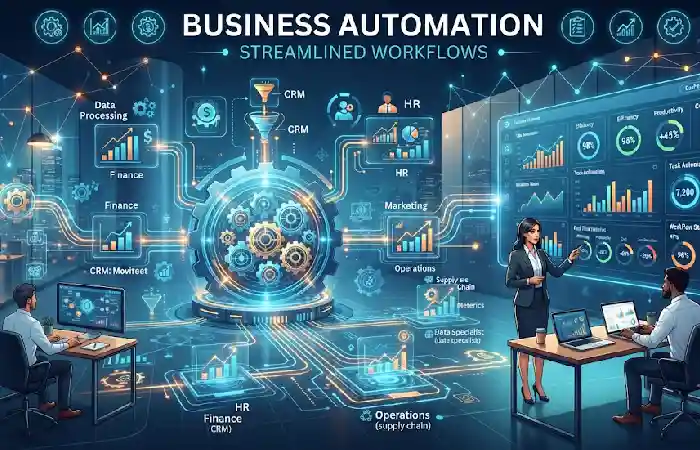
Automation can be very rewarding for organizations.
Key Benefits
Increased Productivity
Reduces the time employees spend performing mundane tasks.
Reduced Human Error
Automate more of the process to ensure standards are met.
Cost Savings
Reduced manual work reduces operational costs.
Faster Processes
Hours-long taskshave now only take minutes.
Better Customer Experience
Automated responses can be quicker, more personalized.
Scalability
Larger quantities of work can be carried out without increment of staff.
Business Automation App Comparison (2026)
| Platform | Best For | No-Code | AI Features | Integrations |
| Zapier | General business automation | Yes | Yes | 9,000+ Apps |
| Make | Visual workflow building | Yes | Yes | Thousands |
| Power Automate | Microsoft businesses | Yes | Yes | 1,400+ Connectors |
| n8n | Self-hosted automation | Yes | Yes | Extensive integrations |
| HubSpot | Marketing and sales automation | Yes | Yes | CRM ecosystem |
How to Choose an Automation App
Here are some points to bear in mind when choosing a platform.
Identify Repetitive Tasks
Initially, take note of the activities which take longer to perform.
Review Existing Software
Choose a platform that integrates with your current tools.
Evaluate Ease of Use
No-code platforms are ideal for small businesses.
Consider Scalability
Ensure the solution can support future growth.
Compare Costs
Analyze subscription pricing, automation limits, and implementation expenses.
Test Before Buying
Most providers offer free trials or freemium plans.
Frequently Asked Questions
Business automation apps What are those business automation apps?
Business automation applications are software programs that handle more abstract, repetitive activities, processes or workflows in departments like marketing, sales, customer support, finance, or operations.
What is the ultimate business automation application?
The ideal choice relies on your needs. Zapier, Make, Power Automate, HubSpot, and n8n are the most popular automation tools 2026.
Can the small businesses use the automation tools?
Absolutely. There are several automation platforms that provide affordable no-code solutions for start-ups and small companies.
Which tasks should be automated first?
Begin with for example the “old” mundane, rules-based processes of email triggers, lead management, approvals, reporting and data entry.
Are automation apps a form of coding?
No. Many of today automation platforms for business provide visual workflow builder and some of them are even no-code and low-code.
Conclusion
Business Automation Apps are a critical part of any Enterprise architects’ toolkit for delivering stronger business results. In 2026, organizations will be looking for automation tools that reduce cost, increase worker productivity, and deliver better customer experiences. Automation in the areas of workflow, sales process, finance, customer support, and many other operational areas will be key to enterprises evolving with success in.
Kashifa Jafar is a technology writer and contributor at FutureTechExpert with 4+ years of experience in technology writing and content creation.
Read Full Bio of Author →Sameena reviews selected health, wellness, technology, and digital content for clarity, factual presentation, and reader usefulness.
Read Full Bio of Reviewer →