
 Kashifa Jafar
Technology Writer & Contributor
Kashifa Jafar is a technology writer and contributor at FutureTechExpert with 4+ years of experience in technology writing and content creation.
Read Full Bio of Author →
Kashifa Jafar
Technology Writer & Contributor
Kashifa Jafar is a technology writer and contributor at FutureTechExpert with 4+ years of experience in technology writing and content creation.
Read Full Bio of Author →
 Sameena Begum
Health, Technology & Digital Content Reviewer
Sameena reviews selected health, wellness, technology, and digital content for clarity, factual presentation, and reader usefulness.
Read Full Bio of Reviewer →
Sameena Begum
Health, Technology & Digital Content Reviewer
Sameena reviews selected health, wellness, technology, and digital content for clarity, factual presentation, and reader usefulness.
Read Full Bio of Reviewer →
Business communication applications are also relevant to a business in today‘s time with organizations that vary in size. These groups can be located at the office, remote, or a blend of one or the other and the applications assist in talks, working together, sharing files, meetings, and business goals.
By 2026, companies will be leveraging their communication platforms for much more than just messaging. Business communication platforms will be used to support video calls, file sharing, paperless projects, AI-based support, and automated workflows. Enterprises that leverage the capabilities of up-to-date communication platforms will experience faster decision making, more efficient collaboration, and improved employee engagement.
Table of Contents
What Are Business Communication Apps?
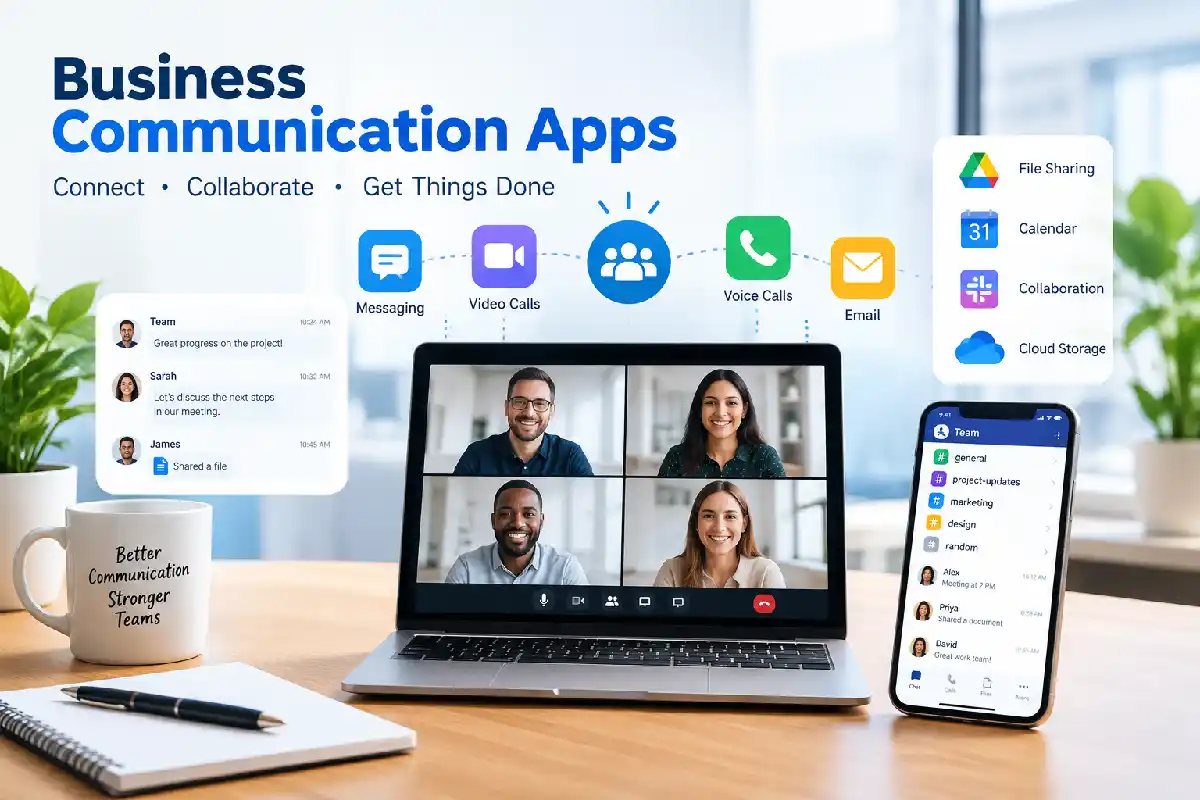
Business communication apps are online software solutions that allow staff, teams and organizations to communicate and work together more efficiently. The apps combine instant messaging, video conferencing, voice communication, email, chatting and collaboration on files and groups in one platform.
Today, business communication is no more limited to conventional emails. Businesses are nowadays using communication apps for live conversations, virtual meetings, projects discussions and sharing of documents. No matter where the employees are working, in office, from home or through hybrid mode, they can be easily remained connected to each other.
These apps typically include:
- Instant messaging
- Team channels
- Voice calls
- Video meetings
- Email integration
- File sharing
- Collaboration workspaces
- Mobile communication
Instead of email, today’s business apps that focus on communication make it easier to conduct business and locate discussions in one place.
Common Features
| Feature | Purpose |
| Team Chat | Real-time conversations |
| Video Meetings | Virtual collaboration |
| File Sharing | Document exchange |
| Search Functionality | Find past conversations |
| Mobile Apps | Work from anywhere |
| AI Assistance | Summaries and automation |
| Integrations | Connect business tools |
Why Business Communication Apps Matter

Communication has a significant influence on overall performance, people management, and business growth.
Key Benefits
Improved Collaboration
Employees can communicate instantly rather than waiting for email responses.
Faster Decision-Making
Real-time messaging helps teams solve problems quickly.
Better Remote Work Support
Communication apps keep distributed teams connected regardless of location.
Centralized Information
Documents, conversations, and updates remain organized in one place.
Increased Productivity
Employees spend less time switching between multiple tools.
Team Messaging Apps
Team messaging apps are the foundation of modern workplace communication.
Popular examples include:
| Platform | Best For | Resource |
| Slack | Team collaboration | https://slack.com |
| Microsoft Teams | Microsoft 365 users | https://www.microsoft.com/microsoft-teams |
| Google Chat | Google Workspace users | https://workspace.google.com |
| Zoom Team Chat | Video-first organizations | https://zoom.us |
| Zoho Cliq | Small businesses | https://www.zoho.com/cliq |
Features to Look For
- Organized channels
- Direct messaging
- Threaded conversations
- File attachments
- Searchable history
- AI-powered summaries
Slack and Microsoft Teams remain among the most widely adopted messaging platforms due to their extensive integrations and collaboration features.
Video Conferencing Apps
The most popular tools in this class are still slack and Microsoft teams, given the number of integrations and collaboration tools they offer.
Top Video Conferencing Solutions
| Platform | Key Strength |
| Zoom | Reliable video meetings |
| Microsoft Teams | Enterprise collaboration |
| Google Meet | Google Workspace integration |
| Cisco Webex | Security-focused meetings |
| GoTo Meeting | Business webinars |
Essential Video Features
- HD video calls
- Screen sharing
- Meeting recording
- AI meeting summaries
- Virtual backgrounds
- Breakout rooms
Zoom Is still the most preferred option for virtual meetings both in terms of meeting quality and ease of use.
Business Email Apps
This is an example of the importance of e-mail today as a means of business communication.
Leading Business Email Platforms
| Email Solution | Best For |
| Microsoft Outlook | Enterprise organizations |
| Gmail for Business | Cloud-first businesses |
| Zoho Mail | Small businesses |
| Proton Mail | Privacy-focused companies |
Important Features
- Professional email hosting
- Spam protection
- Shared inboxes
- Calendar integration
- Mobile access
- AI writing assistance
Numerous providers support combining email with instant chatting.
Voice and Calling Apps
Voice communication is still an effective way to communicate with customers or a platform for internal collaboration.
Popular Voice Solutions
| App | Features |
| Microsoft Teams Phone | Business VoIP |
| Zoom Phone | Cloud calling |
| RingCentral | Unified communications |
| Nextiva | Business phone systems |
| Cisco Webex Calling | Enterprise voice |
Benefits include:
- Lower communication costs
- International calling support
- Mobile access
- Call recording
- Unified communications
File Sharing and Communication
Contemporary messaging tools have turned document collaboration into part of the conversation.
Common File Sharing Features
- Cloud storage
- Secure file transfer
- Version control
- Real-time collaboration
- Permission management
Popular file-sharing platforms include:
- Google Drive
- Microsoft OneDrive
- Dropbox Business
- Box
- SharePoint
Integrated file sharing minimizes the volume of email attachments, leading to a faster collaboration process.
Internal Communication Tools
Once internal audiences have been identified, the Institute can communicate with them through internal communication channels. Internal communication channels enable the Institute to inform and motivate the workforce.
Use Cases
- Company announcements
- HR updates
- Employee recognition
- Team collaboration
- Knowledge sharing
- Corporate news
Popular Internal Communication Platforms
| Tool | Purpose |
| Microsoft Teams | Internal collaboration |
| Slack | Team communication |
| Workvivo | Employee engagement |
| Blink | Frontline communication |
| Google Workspace | Internal productivity |
These tools are being more and more utilized by organizations to build company culture and transparency.
Communication Apps for Remote Teams
Modern workplaces, whether remote or hybrid, have to be highly reliant on digital communication!
Essential Remote Team Features
- Mobile accessibility
- Video conferencing
- Team chat
- Shared workspaces
- Task management integration
- Time-zone support
Recommended Remote Team Stack
| Need | Tool Category |
| Messaging | Slack or Teams |
| Meetings | Zoom or Meet |
| File Sharing | Google Drive |
| Collaboration | Workspace or Microsoft 365 |
| Project Tracking | Asana or Trello |
Remote teams work most effectively when communication tools are compatible with their productivity application.
Business Communication Security

Considering security in selection of communication software is imperative.
Important Security Features
- End-to-end encryption
- Multi-factor authentication
- Single Sign-On (SSO)
- Data loss prevention
- Compliance certifications
- Access controls
Security Comparison
| Feature | Importance |
| Encryption | Protects conversations |
| MFA | Prevents unauthorized access |
| Audit Logs | Tracks activity |
| Compliance | Meets regulations |
| Backup & Recovery | Prevents data loss |
Platforms of today‘s world such as Microsoft Teams, Slack, and Webex offer products having sophisticated security controls, which is important given the regulated environments.
Frequently Asked Questions
What are business communication apps?
Business communication applications are applications that are designed to enable businesses to communicate by means of messaging, video conferencing, email, voice communication and file sharing.
What is the most effective business communication application?
The most suitable platform differs according to business requirements. 2026 sees Slack, Microsoft Teams, Zoom, Google Workspace and Webex as some of the top contenders.
How secure are business communication applications?
Most enterprise-grade platforms include encryption, authentication, compliance marks, along with a variety of other security features.
Are communication apps essential for remote teams?
Yes, communication tools are vital in keeping collaboration, productivity and engagement over distributed teams.
Is it possible for communication apps to substitute email?
Not quite. Most organizations use messaging apps in conjunction with email for a fully integrated communication ecosystem.
Conclusion
Business collaboration apps have grown into full collaboration platforms that include chat, video meetings, instant file sharing, calling and engaging employees. With companies adopting hybrid and remote work during 2026, organizations need an effective communication platform to deliver efficiency, reduce redundancies and enable teamwork. The right technology will help organizations work smarter and grow.
Kashifa Jafar is a technology writer and contributor at FutureTechExpert with 4+ years of experience in technology writing and content creation.
Read Full Bio of Author →Sameena reviews selected health, wellness, technology, and digital content for clarity, factual presentation, and reader usefulness.
Read Full Bio of Reviewer →