

 Kashifa Jafar
Technology Writer & Contributor
Kashifa Jafar is a technology writer and contributor at FutureTechExpert with 4+ years of experience in technology writing and content creation.
Read Full Bio of Author →
Kashifa Jafar
Technology Writer & Contributor
Kashifa Jafar is a technology writer and contributor at FutureTechExpert with 4+ years of experience in technology writing and content creation.
Read Full Bio of Author →
 Sameena Begum
Health, Technology & Digital Content Reviewer
Sameena reviews selected health, wellness, technology, and digital content for clarity, factual presentation, and reader usefulness.
Read Full Bio of Reviewer →
Sameena Begum
Health, Technology & Digital Content Reviewer
Sameena reviews selected health, wellness, technology, and digital content for clarity, factual presentation, and reader usefulness.
Read Full Bio of Reviewer →
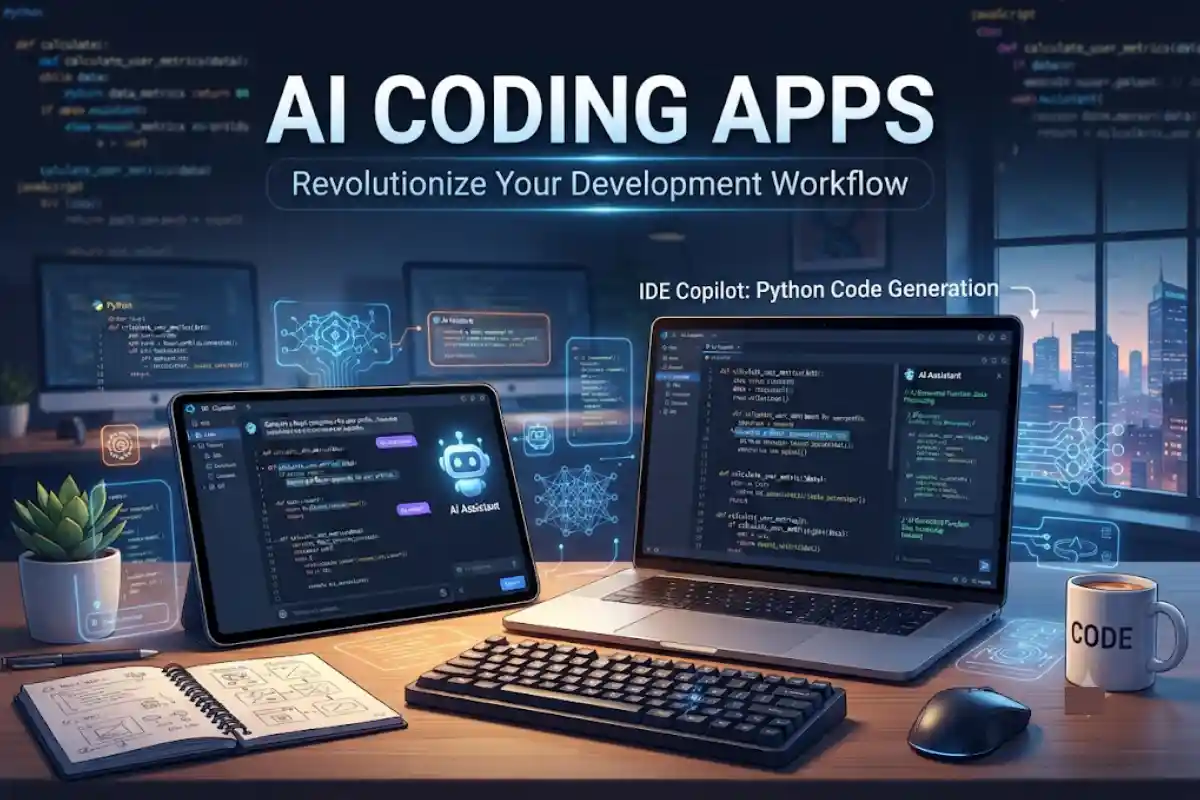
AI Coding Apps are changing the way software is developed. They make programmers more productive, by helping them write better code, locate bugs, create documentation, and learn new programming languages. So whether you are a novice Python rookie or a seasoned enterprise developer, these AI coding Assistants can make a real difference:
In industry surveys, AI coding assistants are becoming more mainstream among software developers and organizations, with GitHub Copilot, Cursor, Claude Code, and Windsurf are being adopted by professional software teams.
Here you will find out how AI coding apps work, what advantages and drawbacks they have and what are the best ones in 2026.
Table of Contents
What Are AI Coding Apps?
AI coding apps are applications that leverage artificial intelligence and LLMs to support software developers during all phases of the software development lifecycle.
These applications can:
- Generate code from natural language prompts
- Suggest code completions
- Identify bugs and errors
- Explain complex code
- Create documentation
- Write automated tests
- Refactor existing code
- Help beginners learn programming
Modern AI coding apps understand programming languages such as:
- Python
- JavaScript
- TypeScript
- Java
- C#
- PHP
- Go
- Rust
- Kotlin
- Swift
Several tools are directly integrated into mainstream IDEs such as VS Code or JetBrains IDEs, or on free-to-use online editors such as Cloud9.
How AI Helps With Software Development
AI supports developers during all phases of software development.
Planning
Constructs that developers can describe instances of a feature in simple English and then get some idea of how to implement.
Coding
AI produces boilerplate code, algorithms, functions/classes, APIs, and GUIs.
Debugging
AI studies errors and provides solutions.
Testing
Unit tests are created automatically by tools.
Documentation
Comments are created using AI.
Maintenance
AI helps refactor legacy code and improve performance.
The result is faster development cycles and reduced repetitive work.
AI Apps for Code Generation

Code generation is one of the most popular uses of AI coding tools.
Developers simply describe what they want, and AI creates working code.
Common Use Cases
- Building APIs
- Creating web applications
- Database queries
- Frontend components
- Mobile app features
- Automation scripts
Popular Code Generation Tools
| Tool | Best For | Official Website |
| GitHub Copilot | General coding assistance | IDE integration |
| Cursor | AI-first coding editor | Multi-file generation |
| Replit | Rapid app development | Cloud coding |
| Windsurf | AI-native development | Agent workflows |
These tools can generate entire application structures from simple prompts.
AI Apps for Debugging
Debugging often consumes a significant portion of development time.
AI coding apps help by:
- Explaining error messages
- Finding logic flaws
- Suggesting fixes
- Identifying security vulnerabilities
- Detecting performance bottlenecks
Example
Rather than pasting the Python traceback into Stack Overflow, developers can step back, paste the error into an AI coding assistant, and receive an explanation and potential solution in context.
Much quicker resolution of the problems is achieved.
AI Apps for Code Completion
Code completion predicts what developers are likely to type next.
Benefits include:
- Faster coding
- Fewer syntax errors
- Reduced repetitive typing
- Consistent coding standards
Most modern AI assistants are able to process whole projects, not just the file that a developer is currently working on. Cutting edge systems can provide larger context windows that allow them to operate across many files and repositories.
AI Apps for Documentation
Documentation is critical but rarely done.
AI documentation tools can automatically generate:
- API documentation
- Function descriptions
- Code comments
- Technical specifications
- User guides
Benefits
- Improved maintainability
- Better team collaboration
- Faster onboarding
- Consistent documentation standards
Many development teams now use AI to keep documentation synchronized with code changes.
AI Apps for Testing
Software testing is another area where AI excels.
AI Testing Capabilities
- Unit test generation
- Integration test creation
- Edge-case discovery
- Test coverage analysis
- Regression testing assistance
Advantages
| Benefit | Impact |
| Faster testing | Reduced QA time |
| Better coverage | Fewer bugs |
| Automated workflows | Higher productivity |
| Consistent quality | More reliable software |
AI-generated tests should still be reviewed by developers before deployment.
AI Apps for Learning to Code
AI coding apps are becoming valuable educational tools.
Students can:
- Ask coding questions
- Get explanations of concepts
- Practice exercises
- Understand algorithms
- Learn debugging techniques
Popular learning scenarios include:
- Python tutorials
- Web development
- Data science
- Mobile app development
- Machine learning
AI tutors provide immediate feedback, making learning more interactive.
AI Coding Apps for Beginners
Beginners often struggle with:
- Syntax errors
- Debugging
- Understanding concepts
- Project structure
AI coding apps step in to make these easier.
Recommended Beginner-Friendly Tools
| Tool | Beginner Friendly | Learning Support |
| GitHub Copilot | High | Good |
| Replit AI | Very High | Excellent |
| ChatGPT | Very High | Excellent |
| Cursor | Medium | Good |
Opt for tools that provide explanation of the solution instead of just code.
AI Coding Apps Comparison (2026)
| Feature | GitHub Copilot | Cursor | Windsurf | Replit |
| Code Completion | Yes | Yes | Yes | Yes |
| Agent Mode | Limited | Advanced | Advanced | Yes |
| Multi-File Editing | Yes | Excellent | Good | Good |
| Cloud Development | No | No | No | Yes |
| Beginner Friendly | High | Medium | Medium | High |
| Best For | Teams | Professional Developers | AI-First Workflows | Rapid Prototyping |
The availability of features is subject to frequent updates and should be checked against the manufacturer official product web sites.
Limitations of AI Coding Tools
Despite their advantages, AI coding apps are not perfect.
Common Limitations
Hallucinations
AI may generate incorrect or non-functional code.
Security Risks
The generated code may contain weaknesses
Outdated Knowledge
Some models may not have updated frameworks or APIs.
Over-Reliance
Programmers can become reliant on AI.
Limited Context
Large projects may also surpass the context windows available.
It has to be human reviewed before the code is released into production.
FAQ
Should I use AI coding apps?
Yes. Several AI coding tools offer explanations, providing advantages to beginners who learn to code more quickly. Also, identifying errors is easier with these tools.
Are AI coding apps going to replace software developers?
No. AI aid the developers in their design and implementaion but even then it needs a human to oversee them, decide the architecture, testing and other business aspects.
What is the top AI coding application in the year 2026?
These are the common picks for most used by developers: GitHub Copilot, Cursor, Windsurf, Replit
Coding-Related AI tools Cost? Are AI coding tools free?
Most provide free tiers however additional features often require a paid subscription.
Is this something AI can do?
Yes, certainly, but it doesn‘t mean that a human inspection is now unnecessary.
Conclusion
AI Coding Apps have become indispensible tools for todays fast paced software world. They are a great aid to developers to help them write better code, faster, faster debug, generate documentation and create tests. They can have a huge positive impact on developer productivity when used along with peer code review.
No matter if you‘re a newcomer to programming or a veteran handling ambitious projects, AI coding applications can simplify workflows and make development faster in 2026 and the later years.
Kashifa Jafar is a technology writer and contributor at FutureTechExpert with 4+ years of experience in technology writing and content creation.
Read Full Bio of Author →Sameena reviews selected health, wellness, technology, and digital content for clarity, factual presentation, and reader usefulness.
Read Full Bio of Reviewer →