
 Kashifa Jafar
Technology Writer & Contributor
Kashifa Jafar is a technology writer and contributor at FutureTechExpert with 4+ years of experience in technology writing and content creation.
Read Full Bio of Author →
Kashifa Jafar
Technology Writer & Contributor
Kashifa Jafar is a technology writer and contributor at FutureTechExpert with 4+ years of experience in technology writing and content creation.
Read Full Bio of Author →
 Sameena Begum
Health, Technology & Digital Content Reviewer
Sameena reviews selected health, wellness, technology, and digital content for clarity, factual presentation, and reader usefulness.
Read Full Bio of Reviewer →
Sameena Begum
Health, Technology & Digital Content Reviewer
Sameena reviews selected health, wellness, technology, and digital content for clarity, factual presentation, and reader usefulness.
Read Full Bio of Reviewer →
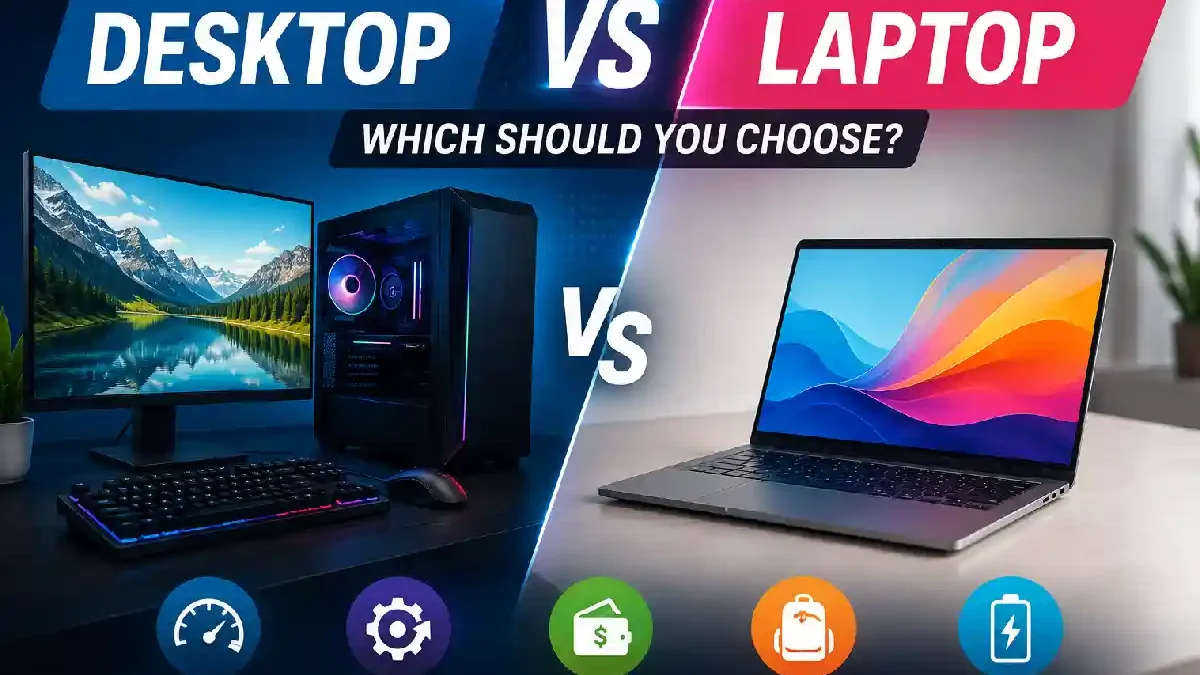
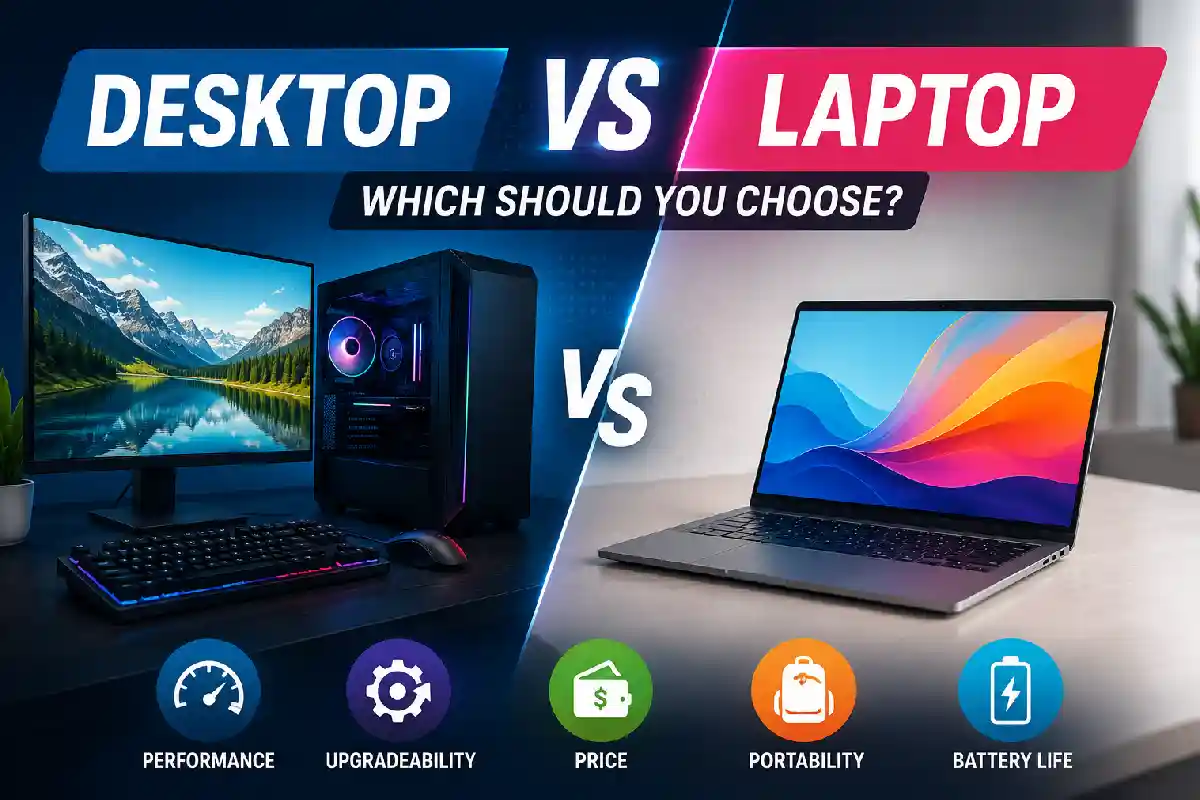
Deciding on the purchase of a new computer is a far more complicated task than it used to be. Desktop vs Laptop: Which Should You Choose? is one of the most asked questions, 2026, be it students, workers, gamers, video makers, or company owners.
Today, MS Windows laptops can match the power of desktops, but no powerno desktop is still the ‘king of the hill’ in complete power, upgradeability and hence longterm wise value. The decision depends on your work.
To help you make an informed choice, we‘ve compared desktops and laptops here on performance, portability, cost, battery life and how well they will last in the future.
Desktop and laptop PCs are just two categories within the broader types of computers, each designed for different purposes and performance needs.
 This article is part of
Computers Resources
Table of Contents
Desktop Overview
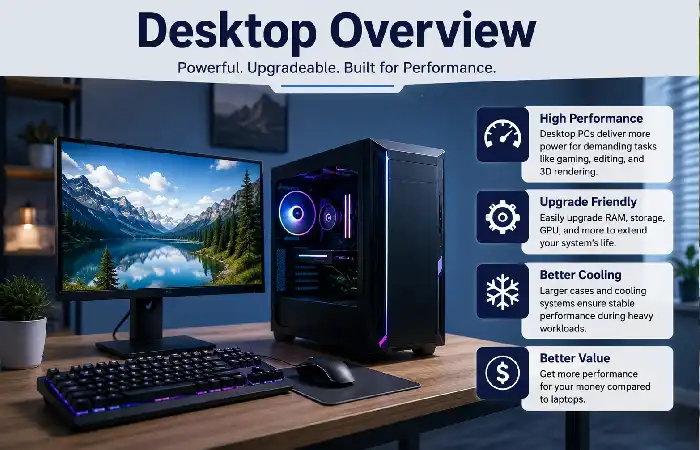
The personal computer is a desktop computer as it generally remains in fixed a location, such as a home office, workplace or games desk. The personal computer is made up of a number of components and peripherals (including a computer tower/ mini PC, monitor, keyboard, mouse), which gives it a modular design for performance, upgradeability and efficient cooling.
In 2026, desktop PCs remains the choice for professionals, gamers, video makers and companies with constant high-end requirements. With the latest multi-core processor, dedicated GPU, big SSD storage, bigger memory capacity, desktops would be great at editing videos, producing software, 3D designing and even AI.
Key Advantages of Desktop Computers
- Good Upgradeability: Most desktops are user-upgradable to RAM, data HDD, graphics cards and CPUs, prolonging its longer life.
- Cheaper: For roughly the same cost, desktops are often more powerful than laptops.
- Superior Cooling: Bigger cases are more efficient in allowing airflow thus handling high noon loads more efficiently and depleting time taken in throttling.
- Flexible Workspace: Monitors, keyboards and other peripherals are user-selectable for working or gaming optimally.
Common Limitations
- Not portable, has to stay in one position.
- Require you to have an external monitor, keyboard and mouse.
- Require a constant power supply, as the appliances do not contain an internal battery.
Both desktops and laptops fall under the category of personal computers (PCs), making them suitable for everyday work, study, entertainment, and productivity.
Laptop Overview
A laptop or notebook computer is a portable computer whose integrated display, keyboard, touch-pad, battery, speakers and internal hardware make it self-contained. (They are designed to be portable to be used almost anywhere without the need for an external Keyboard, Mouse, or Display Screen). By 2026, laptops are more powerful than they have ever been with most being as capable as Desktop PCs while still remaining light and efficient.
Generally speaking, thanks to modern improvements in processor,s(SSDs) and batteries, laptops today are easily capable of everything one might need them to do, such as browsing the web or watching videos, sifting through Office documents, video conferences and streaming media. High-end laptops can take on even intense work such as photo editing, software developing, 4K Video Editing and gaming.
Key Advantages of Laptop Computers
- Good Portability: Light weight and size of the laptop is small enough for a user to carry the laptop along from school to the home, office or even traveling from place to place.
- All-in-One Design: The display, keyboard, webcam, speakers, microphone, and touchpad are all built into one piece of hardware so that setup is easy and it does not take up a lot of room on the desk.
- Wireless Connectivity: Laptops and portables today have inbuilt Wi-Fi, Bluetooth and multiple USB ports to connect accessories and external devices.
- All-round performance: Laptops can be configured to provide sufficient performance for most of the tasks encountered; from everyday productivity work to creative or gaming.
If you’re curious about how consumer computers compare with enterprise systems, this supercomputer vs mainframe comparison explains the key differences in performance and purpose.
Performance Comparison
Performance is one of the most heavily compared. Although both desktop and laptop have become much more powerful in 2026, desktops are still the top in sustained performance due to a better cooling system, higher power limits and upgradability. A laptop, therefore, provides good performance that meets every day and even some professional workloads.
Standard tasks like web browsing, editing documents, conferencing and watching videos or streaming, desktop and laptops are performing quite well. Although for more demanding tasks like editing 4 K videos, 3 D design and rendering, using artificial intelligence, engineering simulations and high-end games the performance is faster with desktops in lower rates.
Desktop vs Laptop Performance Comparison (2026)
| Feature | Desktop Computer | Laptop Computer | Resource |
| CPU Performance | Higher sustained clock speeds under more robust thermal management for more intensive workloads. | Great for day to day and professional use but I think it would struggle with hours of heavy duty use. | Intel Processor Guide: https://www.intel.com/content/www/us/en/processors.html |
| Graphics Performance (GPU) | Supports powerful dedicated graphics cards with higher performance for gaming, AI and creative work. | Available with integrated or dedicated graphics cards, but from a general gaming or high performance perspective, often slower than Desktop Graphics cards. | NVIDIA GeForce GPUs: https://www.nvidia.com/en-us/geforce/ |
| Cooling Efficiency | Large cooling systems keep running at their maximum efficiency for extended periods of time. | Application Tip: Highly compact cooling systems can impose limits on long term operation at high loads. | Dell Performance Tips: https://www.dell.com/en-us/blog/ |
| RAM Capacity | Can be easily expanded to 64GB, 128GB, or any capacity on the motherboard. | Upgradeable choices are limited according to the model (e.g most ultrabooks have a soldered RAM). | Crucial Memory Guide: https://www.crucial.com/articles/about-memory |
| Storage Options | Several SSD and HDD slots will offer increased expansion and flexibility. | Most are only will have one or two SSD slots on them however depending on the model. | Samsung SSD Resources: https://semiconductor.samsung.com/consumer-storage/ |
| Gaming Performance | Provides the best performance for the highest frames per second and allows for larger, more powerful graphics cards. | Contemporary gaming laptops are powerful but thermally and powerwise constrained. | AMD Gaming Processors: https://www.amd.com/en/products/processors |
| Content Creation | Comprehensive tools for video editing, 3D rendering, animation and CAD. | Good for artists who wish to be portable with their PC, but may take quite some time to rendered. | Adobe Creative Cloud Hardware Requirements: https://helpx.adobe.com/creative-cloud/system-requirements.html |
| AI & Machine Learning | More optimized for training AI models and other GPU intensive workloads. | Provides the possibility of developing AI, however more often is adopted within lightweight or mobile workstations. | Microsoft AI Developer Resources: https://learn.microsoft.com/ai/ |
Understanding the applications of different computer types can help you decide whether a desktop or laptop is the better choice for your specific workload.
Portability
Of course, there‘s where a laptop is always better than a desktop it‘s portability.
| Feature | Desktop | Laptop |
| Travel Friendly | No | Yes |
| Battery | No | Yes |
| Weight | 6–15 kg | 1–3 kg |
| Setup Time | High | Instant |
A laptop is the obvious choice if you work in cafés, coffee shops, university lecture theatres, offices, or airports.
Unlike desktops and laptops, embedded computers are designed for dedicated tasks inside devices such as vehicles, industrial equipment, and smart appliances.
Upgradeability
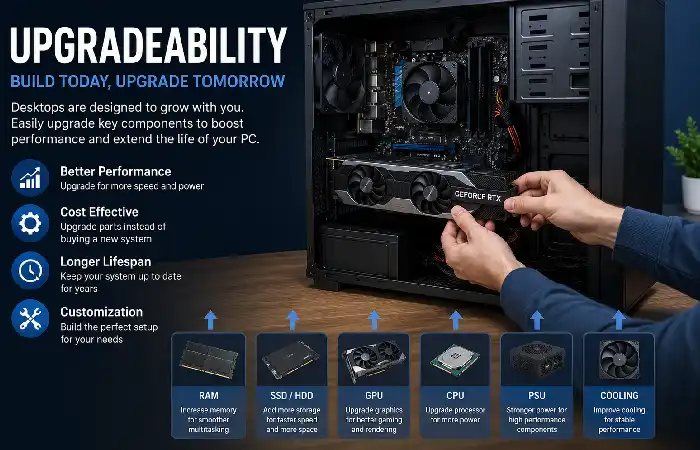
Amongst the biggest advantages is future upgrades.
| Component | Desktop | Laptop |
| RAM | Easy | Limited |
| SSD | Easy | Moderate |
| Graphics Card | Easy | Rarely Possible |
| CPU | Upgradeable | Usually Fixed |
| Cooling | Upgradeable | Limited |
A desktop owner may be able to purchase newer / faster components for years after the initial purchase, prolonging the average life of the computer and saving money.
Cost Comparison (2026)
| Budget | Desktop | Laptop |
| Under $600 | Better value | Basic features |
| $600–1000 | Better performance | Balanced |
| $1000–2000 | Excellent workstation | Premium ultrabooks |
| $2000+ | Professional workstation | High-end creator laptop |
Generally, desktops provide larger performance investment per buck because they need neither compact designing nor batteries.
Best Choice for Different Users
| User | Best Choice | Reason |
| Student | Laptop | Portability |
| Writer | Laptop | Battery + lightweight |
| Office Worker | Laptop | Flexible work |
| Gamer | Desktop | Maximum FPS |
| Video Editor | Desktop | Better rendering |
| Graphic Designer | Desktop | Larger displays |
| Software Developer | Depends | Desktop for office, laptop for travel |
| Business Owner | Laptop | Mobility |
Innovations in AI, edge computing, and advanced processors are shaping the future of computers and emerging technologies, influencing both desktops and laptops.
Frequently Asked Questions
Is a desktop faster than a laptop?
Usually yes. Desktop tend to have an abundance of more efficient cooling and thus can perform more during heavy loads.
Which survives longer?
Desktops tend to endure longer since components are upgradeable or replaceable.
Would a PC be good for playing games?
Contemporary gaming laptops are quite powerful, yet desktop computers are generally more cost effective and deliver increased frame rates.
What students prefer?
Most of the time then, it is likely that a laptop will be most suitable due to the obvious advantages of portability and battery life.
Can laptop replace desktop?
Most laptops now are able to do most of the things a normal desktop can do on a day-to-day basis, however, for more intense programs such as 3d rendering or high-end gaming, it is best to buy a desktop.
Expert Verdict
If you like raw power, upgradable hardware, gaming and high-end professional creative applications, there can be no two ways other than going for a desktop. If, however, ultimate portability, battery life and flexibility is what you’re after, then look no further than a laptop. Most people would find that a laptop with a monitor on the side would do just fine.
Kashifa Jafar is a technology writer and contributor at FutureTechExpert with 4+ years of experience in technology writing and content creation.
Read Full Bio of Author →Sameena reviews selected health, wellness, technology, and digital content for clarity, factual presentation, and reader usefulness.
Read Full Bio of Reviewer →