
 Kashifa Jafar
Technology Writer & Contributor
Kashifa Jafar is a technology writer and contributor at FutureTechExpert with 4+ years of experience in technology writing and content creation.
Read Full Bio of Author →
Kashifa Jafar
Technology Writer & Contributor
Kashifa Jafar is a technology writer and contributor at FutureTechExpert with 4+ years of experience in technology writing and content creation.
Read Full Bio of Author →
 Sameena Begum
Health, Technology & Digital Content Reviewer
Sameena reviews selected health, wellness, technology, and digital content for clarity, factual presentation, and reader usefulness.
Read Full Bio of Reviewer →
Sameena Begum
Health, Technology & Digital Content Reviewer
Sameena reviews selected health, wellness, technology, and digital content for clarity, factual presentation, and reader usefulness.
Read Full Bio of Reviewer →
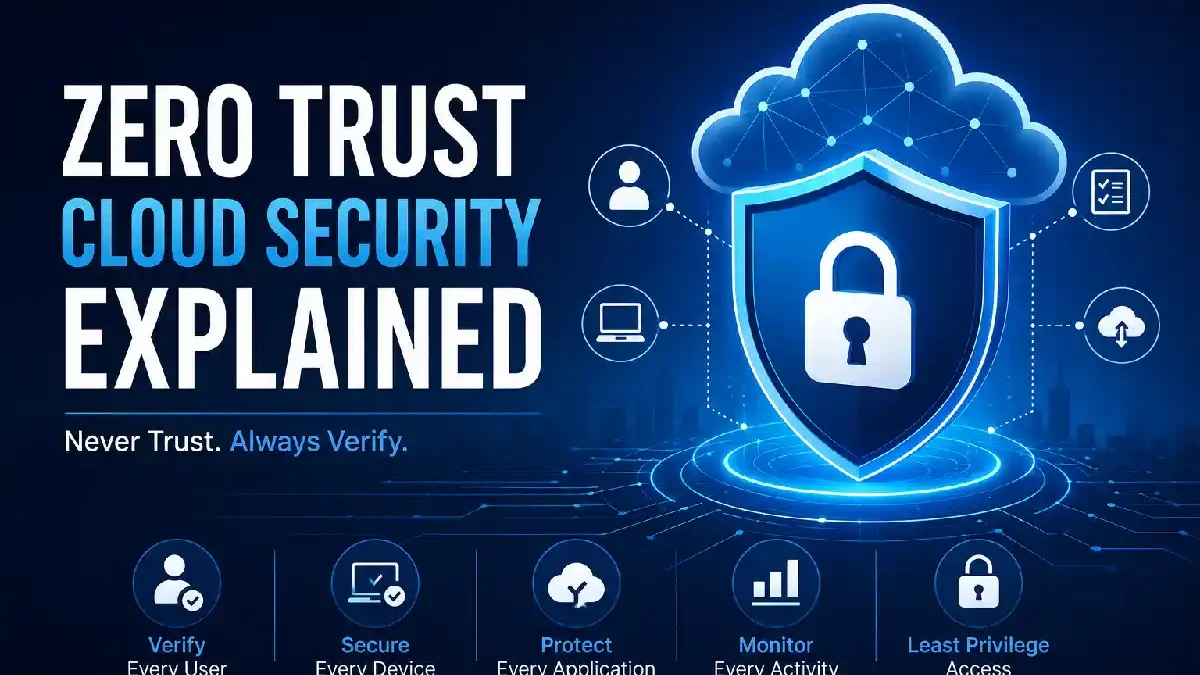
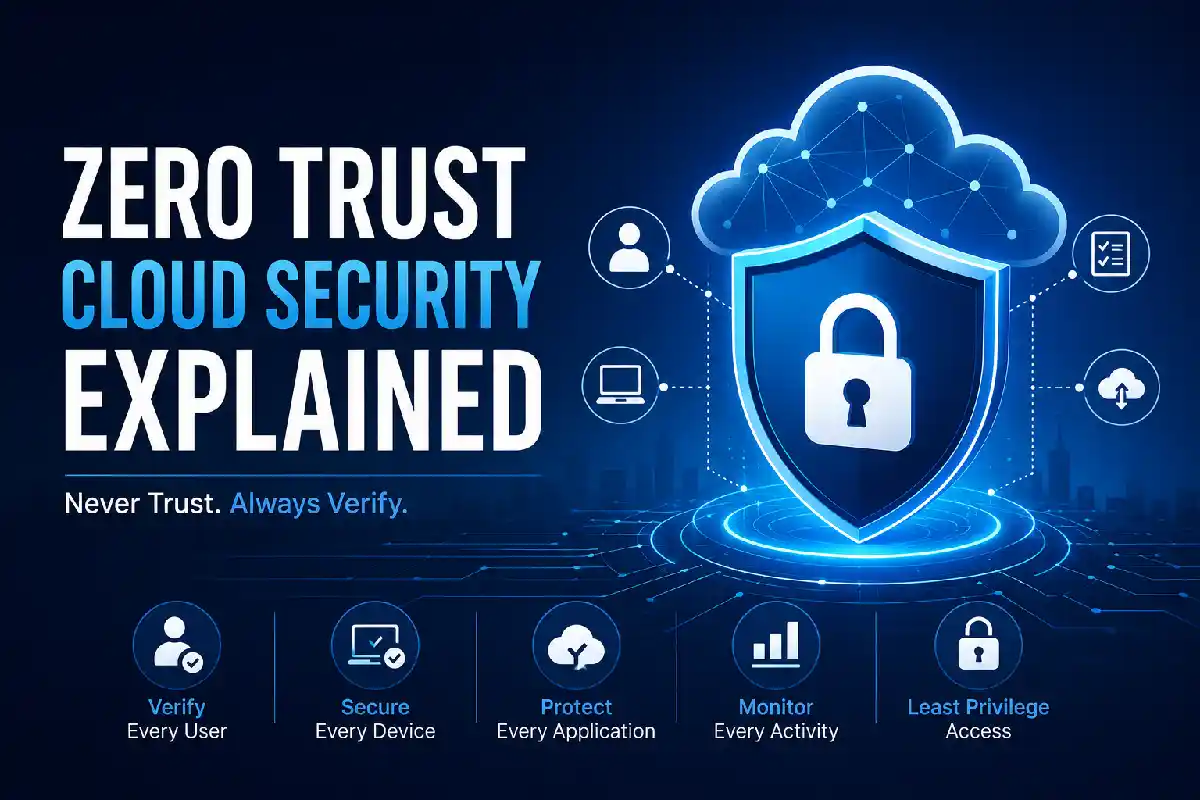
Cloud computing changed the way companies store information and host applications. Nevertheless, old security practices that give every user, device, or application full trust once they are inside the network aren’t secure anymore. Zero Trust Cloud Security Explained helps companies to secure cloud infrastructures by assuming that no user, device, or application can be trusted by default.
Unlike relying on users on the first login, Zero Trust keeps checking the identity, device health and permissions before providing permissions. This new approach can greatly mitigate the risks of cyber attack, data breach and insider threats.
Zero Trust is one part of a broader cloud data security strategy that protects sensitive information across cloud environments.
 This article is part of
Security Resources
Table of Contents
What Is Zero Trust?
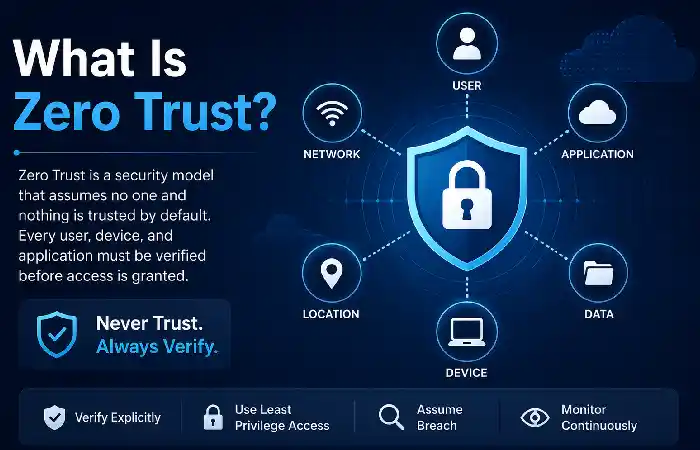
Zero Trust is one of the latest approach for cybersecurity rules and enforcement model based on “Never Trust, Always Verify” approach. In the standard security models, once the user connected to company network, it is trusted by default, in case of Zero-Trust assumptions, every connection has to be authenticated, authorized and validated for every connection, every users, every device, application, and workloads.
How Zero Trust Works
Zero Trust protects cloud environments by enforcing multiple dynamic checks before authorizing and approving access:
- User identity: Ensures the request-or is really who he says he is by requiring strong authentication such as multi-factor authentication (MFA).
- Device security: Checks on the device security requirements such as up to date software, anti-virus, encryption.
- Application access: Only provides access to the applications or resources that the user actually needs.
- Network context: Evaluates factors such as location, IP address, and connection security.
- Behaviour monitoring: Detects unusual user or device activity and can trigger additional verification or block access.
Strong cloud data encryption ensures that even if data is intercepted, it remains unreadable without the correct encryption keys.
Core Principles of Zero Trust
Zero Trust is based on fundamental principles for protecting cloud,cloud users, devices and data. Does not trust by default any network which it is not maintained directly by the organization. It constantly validates access requests and provides the least amount of access. These principles can offer modern big cloud security strategy.
Verify Every Access Request
The Zero Trust first principle is always verify, so users, devices, applications and workloads should authenticate themselves to cloud resources before gaining access. Authentication is never complete, but we have to prove who we are through out the session according to risk changing.
Organizations evaluate factors such as:
- User identity
- Device health and compliance
- Geographic location
- Time of access
- Network security
- User behavior
In the event that any security risk is detected the security system may insist on the use of more credentials or it may block access entirely.
Apply Least-Privilege Access
Zero Trust principles include the principle of least privilege. At a Zero Trust network, users are given the least amount of access or privileges necessary in order to accomplish their particular task. Users are granted access to specific application, files, or services rather than full access into a network.
Benefits include:
- Reduced attack surface
- Better protection against insider threats
- Lower risk of accidental data exposure
- Improved regulatory compliance
For example, an HR employee should not have access to any other systems apart from HR systems and a finance employee should not have access to other systems either.
Assume a Breach
Zero Trust approach makes a difference to the assumptions of the traditional security model; in traditional security model we trust that the network is trustworthy and in the case of Zero Trust we trust that the network compromise (attackers) already happened. So organizations can proactively implement security controls to reduce the consequences of such breach.
Key practices include:
- Network segmentation
- Data encryption
- Continuous monitoring
- Threat detection and response
- Regular security audits
This limits the extent to which an attacker can propagate on compromised systems after gaining a foothold.
Continuously Monitor and Validate
Security is not over when the user logs in. Zero Trust evaluates the data whenever the user has an active session.
Examples of events that may trigger re-verification include:
- Logging in from a new location
- Switching to an unknown device
- Detecting unusual user behavior
- Connecting through an unsecured network
- Attempting to access sensitive resources
Continuos Monitoring allows companies to stop dodgy actions before they turn into a case.
Secure Every Device
All devices that will be requesting access will have to pass out a security test before being trusted. These devices can include but are not limited to company laptops, cell phones, tablets, or IOT type devices.
Common device security checks include:
- Operating system updates
- Antivirus or endpoint protection
- Disk encryption
- Firewall status
- Device compliance policies
- Malware detection
Non-compliant devices may be blocked or granted limited access until compliance.
Following proven cloud security best practices helps organizations strengthen their Zero Trust implementation.
Continuous Verification
Continuous Verification is one of the most important principles of Zero Trust Cloud Security. In traditional security models, users are authenticated only once in login process whereas in Zero Trust, user‘s identity, device health and context of any request for access are verified at all time during a session.
With cyber threats constantly changing and an ever-increasing number of employees working remotely, ongoing validation allows an organization to identify abnormal activity immediately and take action before an attacker is able to access sensitive information or pivot through a network.
How Continuous Verification Works
When a user tries to access or is already in use of cloud resources, Zero Trust platform will continually evaluate a series of variables, such as:
- Authentication of user identity: Ensures the identity of the user is who they say they are through MFA, SSO or passwordless authentication.
- Device health: Confirms that the device is encrypted, up-to-date, reliable and adheres to corporate policies and security.
- Image: Identifies the IP address being used for login to the secured website. It then determines whether the address is a recognized one or whether the address is outside the normal area.
- Network security: Checks if the access is originating from the known company network or a public network that are insecure.
- User usage: Uses behavioral analytics to detect irregular usage such as increased login hours, download activity, or uncharacteristic usage habits.
Even with Zero Trust in place, organizations should maintain a reliable cloud backup and disaster recovery plan to minimize downtime.
Device Security
According to the Zero Trust model, all devices must be verified before being used in the process. Employees access through laptops, smartphones, tablets or other endpoints, so each of the devices can be authorized before having access to the resources. Zero Trust assumes that devices are compromised and is always checking the health and compliance of every device.
A secured device is the weapon against malware, malware, phishing and intrusion.
Key Device Security Checks
Before granting access, Zero Trust solutions verify whether a device meets the organization’s security standards. Common checks include:
- Operating System Updates: Ensures the device is running the latest security patches.
- Antivirus and Endpoint Protection: Confirms endpoint security software is installed, active, and up to date.
- Disk Encryption: Verifies that data stored on the device is encrypted to prevent unauthorized access if the device is lost or stolen.
- Firewall Status: Checks that the device’s firewall is enabled and properly configured.
Should a device fail any of these checks, access can be denied or restricted until rectified.
Combining Zero Trust with cloud data loss prevention helps prevent unauthorized sharing or leakage of sensitive files.
User Authentication
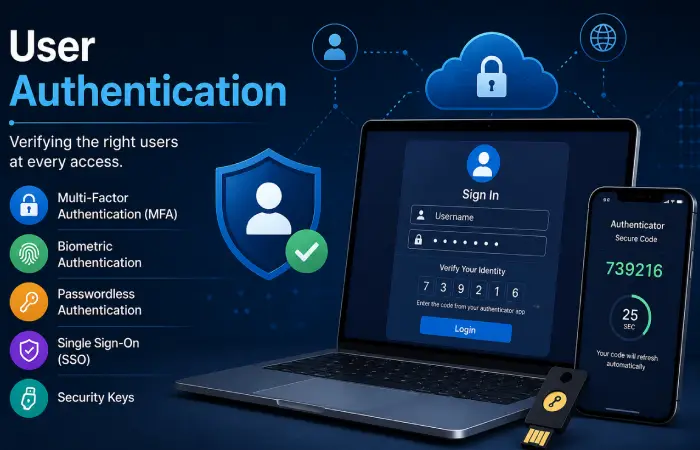
User Authentication: Zero Trust Cloud Security is enabled when every users who request access to cloud enabled applications, data and services are verified. As opposed to typical security paradigm where users authenticate once at login, Zero Trust validate the users throughout their session depending on risk factors at hand.
Common authentication methods include:
- Multi-Factor Authentication (MFA)
- Passwordless login
- Biometrics
- Hardware security keys
- Single Sign-On (SSO)
- Adaptive Authentication
Companies and organizations are embracing passwordless authentication more and more as passwords continue to be one of the most popular attack points.
Implementing Zero Trust
Most organizations roll out Zero Trust step by step.
Step 1
Identify critical assets.
Examples:
- Customer databases
- Cloud applications
- Financial systems
Step 2
Map users and devices.
Document:
- Employees
- Contractors
- Cloud workloads
- Mobile devices
Step 3
Deploy Identity Management
Use centralized identity providers supporting:
- MFA
- Conditional Access
- Single Sign-On
Step 4
Secure Endpoints
Deploy endpoint detection and response (EDR).
Monitor:
- Malware
- Device compliance
- Software updates
Step 5
Enable Continuous Monitoring
Use:
- Security Information and Event Management (SIEM)
- Extended Detection and Response (XDR)
- AI-powered analytics
Organizations often rely on modern cloud security tools to automate monitoring, access control, and threat detection in a Zero Trust architecture.
FAQ
What Is Zero Trust Cloud Security?
Zero Trust Cloud Security is a security architecture where user, device, and application are hardening by requiring persistent validation for cloud resources.
What is the importance of Zero Trust?
Eliminates the threat of Ransomware, Insider threat, Account compromise and unauthorised access by eliminating implicit trust.
Is Zero Trust only for large companies?
Small to medium organizations can also employ these principles by utilizing cloud identity providers, multi-factor authentication, and endpoint management tools.
Is Zero Trust the successor of firewalls?
Firewalls continue to have their function, Zero Trust just overlays them with more access restrictions based on identity, plus ongoing verification.
What are the distinctions between VPN and Zero Trust?
Most VPNs tend to give extensive access to a network once you log on, a Zero Trust system allows you access only to the minimum needs to perform your task and assesses the risk continuously.
Conclusion
Zero Trust has been adopted as the de facto way to secure today’s cloud environments. This concept, when adopted by the principles of never trust, always verify, can help organizations to protect their sensitive data, enable their staff to work remotely in a more secure manner and minimize the damage caused by a constantly evolving threat landscape.
Bringing all of these controls together: identity, device security, least-privilege access and continuous monitoring, builds a strong security posture that fits into the cloud first infrastructure today, and readies organizations for future forces.
Kashifa Jafar is a technology writer and contributor at FutureTechExpert with 4+ years of experience in technology writing and content creation.
Read Full Bio of Author →Sameena reviews selected health, wellness, technology, and digital content for clarity, factual presentation, and reader usefulness.
Read Full Bio of Reviewer →