
 Kashifa Jafar
Technology Writer & Contributor
Kashifa Jafar is a technology writer and contributor at FutureTechExpert with 4+ years of experience in technology writing and content creation.
Read Full Bio of Author →
Kashifa Jafar
Technology Writer & Contributor
Kashifa Jafar is a technology writer and contributor at FutureTechExpert with 4+ years of experience in technology writing and content creation.
Read Full Bio of Author →
 Sameena Begum
Health, Technology & Digital Content Reviewer
Sameena reviews selected health, wellness, technology, and digital content for clarity, factual presentation, and reader usefulness.
Read Full Bio of Reviewer →
Sameena Begum
Health, Technology & Digital Content Reviewer
Sameena reviews selected health, wellness, technology, and digital content for clarity, factual presentation, and reader usefulness.
Read Full Bio of Reviewer →
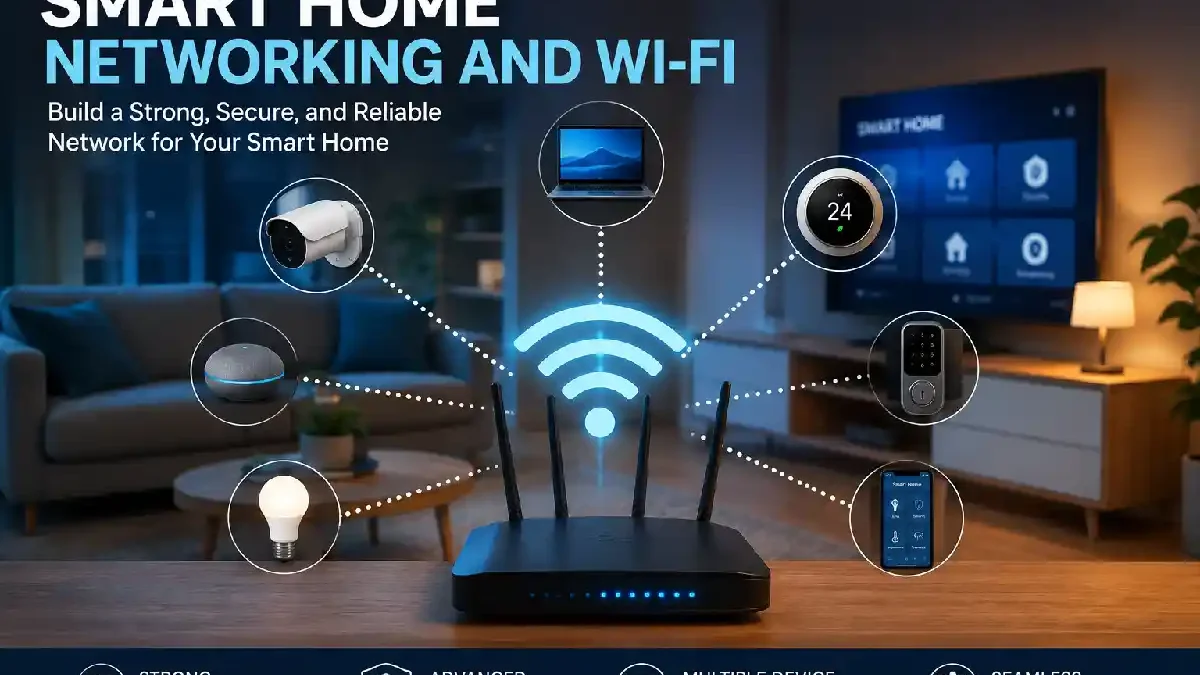
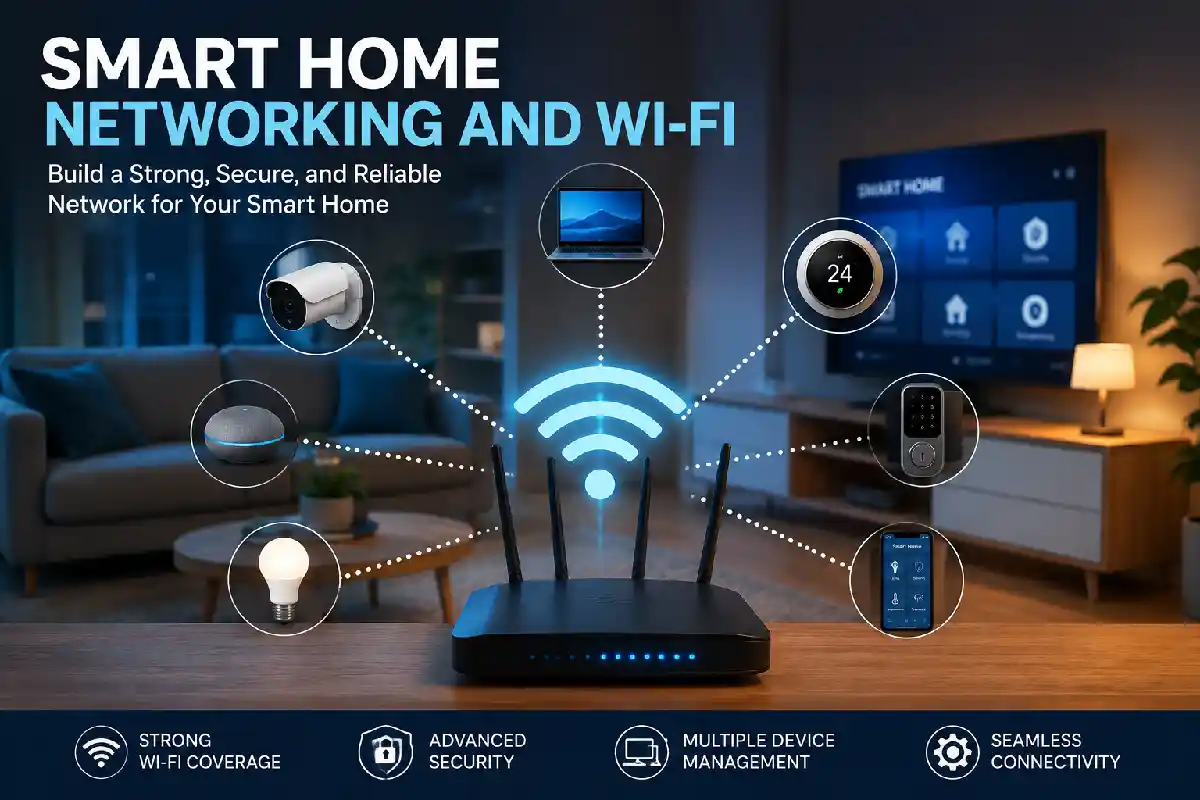
A quality Smart Home Networking and Wi-Fi network is essential for every successful connected home. From setting up smart lighting, cameras, locks, thermostats, voice assistants and entertainment devices they all require a secure and reliable network.
By 2026, a single home may have 30-100+ connected devices. Network design is as important as ever: homes need good coverage, robust security, and bandwidth to prevent disconnects.
 This article is part of
Smart Home Gadgets Resources
Table of Contents
Why Smart Homes Need Reliable Networking
Every smart device speaks on your network.
Without reliable connectivity, you may experience:
- Cameras disconnecting
- Voice assistants responding slowly
- Smart lights becoming unresponsive
- Video doorbells missing notifications
- Streaming interruptions
Lack of good networking is regularly cited by industry advisers as a key cause of smart home problems.
A reliable wireless network is the backbone of any smart home installation, ensuring all connected devices communicate efficiently and perform as expected.
Typical Smart Home Device Counts
| Home Type | Connected Devices |
| Apartment | 15–30 |
| Medium Home | 30–60 |
| Large Smart Home | 60–100+ |
In general, homes with a larger number of devices tend to have a mesh Wi-Fi and Ethernet.
What Is Smart Home Network Installation?
Smart home network installation involves designing and deploying:
- Internet connection
- Router
- Wi-Fi access points
- Mesh nodes
- Ethernet cabling
- Network switches
- Security configurations
To ensure that all such smart devices remain connected without any “dead” areas or performance stalls.
A professionally planned network often becomes the backbone for:
- Smart Home Installation
- Smart Home Security Installation
- Smart Lighting Systems
- Smart Entertainment Systems
- Home Automation Platforms
Strong Wi-Fi coverage is essential for smart home security systems that depend on real-time monitoring, notifications, and remote access.
Wi-Fi for Smart Home Devices
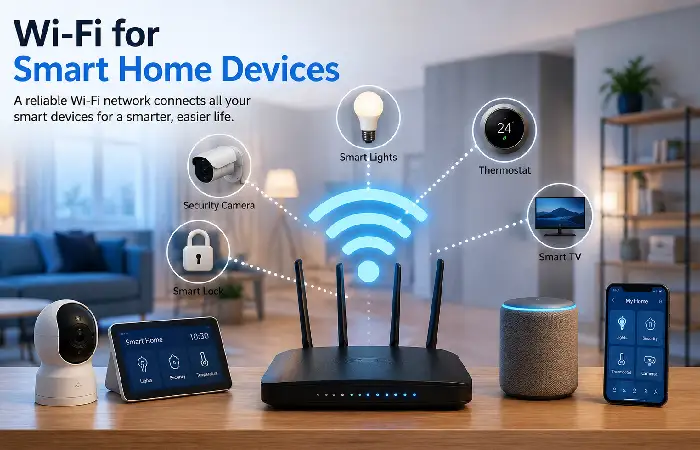
The most popular form of communication is likely to be Wi-Fi.
Common Wi-Fi-connected devices include:
- Smart TVs
- Security cameras
- Video doorbells
- Smart speakers
- Smart displays
- Smart appliances
Modern smart homes should ideally use:
| Wi-Fi Standard | Recommended Usage |
| Wi-Fi 5 | Basic smart homes |
| Wi-Fi 6 | Most homes |
| Wi-Fi 6E | High-density environments |
| Wi-Fi 7 | Future-ready installations |
Wi-Fi 7 is proving most popular for new installations as it offers improvements in every direction speed, capacity, and latency.
Stable wireless connectivity allows smart home lighting solutions to respond instantly to schedules, mobile apps, and voice commands.
Routers and Mesh Wi-Fi Systems
Perhaps the most notable decision in networking is whether to go with a normal router or a mesh Wi-Fi.
Router vs Mesh Wi-Fi Comparison
| Feature | Traditional Router | Mesh Wi-Fi |
| Coverage | Limited | Excellent |
| Dead Zones | Common | Rare |
| Scalability | Low | High |
| Device Capacity | Moderate | High |
| Roaming | Limited | Seamless |
| Smart Home Suitability | Good | Excellent |
Recommended Mesh Systems (2026)
| System | Best For | Resource |
| ASUS ZenWiFi BQ16 Pro | Large Homes | ASUS ZenWiFi |
| TP-Link Deco Series | Value & Coverage | TP-Link Deco |
| Netgear Orbi | Premium Performance | Netgear Orbi |
| Eero Pro 7 | Smart Home Simplicity | Eero |
While not perfect they still tend to be top of the pile for available mesh solutions in 2026 testing.
Ethernet for Smart Home Devices
You might find it easier to access the Internet with Wi-Fi, but if you want a reliable connection you can‘t go wrong with Ethernet.
Consider wired connections for:
- Smart TVs
- Network video recorders (NVRs)
- Gaming consoles
- Security camera hubs
- Home automation controllers
Ethernet Benefits
✓ Faster speeds
✓ Lower latency
✓ Better reliability
✓ Reduced wireless congestion
✓ Improved security
An example of a large professional installation, which makes extensive use of Wi-Fi and I would recommend, is the use of Wi-Fi to connect to and link all mobile devices and Ethernet backbone.
Network Coverage and Dead Zones
Dead zones occur when Wi-Fi signals weaken due to:
- Thick walls
- Large floor plans
- Multiple stories
- Metal structures
- Appliance interference
Coverage Improvement Solutions
| Solution | Effectiveness |
| Reposition Router | Medium |
| Wi-Fi Extender | Medium |
| Powerline Adapter | Good |
| Mesh Wi-Fi System | Excellent |
| Wired Access Points | Excellent |
Indeed, Mesh network solutions are still the best solution to eradicate the dead zones in today‘s house.
A well-designed network improves the performance of smart home automation systems by enabling seamless communication between connected devices.
Smart Home Network Security
The more connected devices the more risk you‘ve got to security.
Essential Security Measures
- Use WPA3 encryption
- Change default passwords
- Enable automatic firmware updates
- Create separate IoT networks
- Use guest networks for visitors
- Enable multi-factor authentication
Security Checklist
| Task | Frequency |
| Firmware Updates | Monthly |
| Password Review | Every 6 Months |
| Device Audit | Quarterly |
| Security Scan | Monthly |
Utilizing an IoT dedicated network will also have the benefit of protecting valuable devices and sensitive data.
Managing Multiple Connected Devices
In a modern smart home, such a number of devices could simply be in the range of 50+ devices.
Common Challenges
- Device congestion
- Signal interference
- Network slowdowns
- Router overload
Best Practices
- Upgrade to Wi-Fi 6 or Wi-Fi 7
- Use mesh networking
- Separate IoT traffic
- Prioritize cameras and automation hubs
- Limit unnecessary device connections
Many of the dedicated IoT management aspects are built into Smart home-centric mesh systems.
Consistent Wi-Fi connectivity is crucial for smart thermostat installation, allowing homeowners to manage temperatures remotely and improve energy efficiency.
How to Build a Reliable Smart Home Network
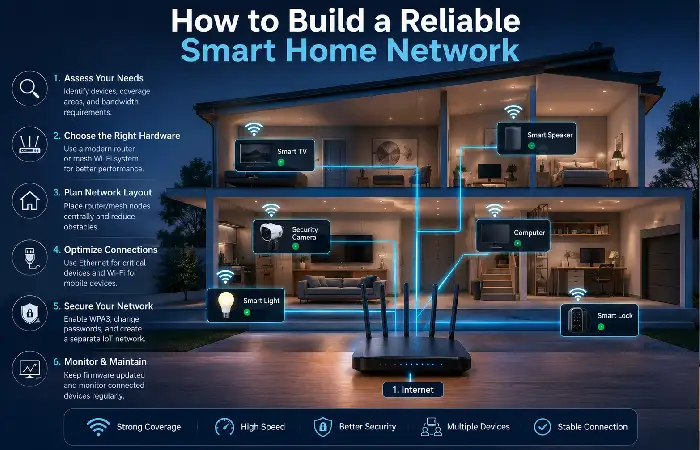
Follow this proven framework:
Step 1: Assess Device Requirements
Count:
- Cameras
- Lights
- Sensors
- Smart speakers
- TVs
- Automation hubs
Step 2: Choose Appropriate Hardware
- Small homes → Wi-Fi 6 router
- Medium homes → 2-node mesh
- Large homes → 3+ node mesh
Step 3: Optimize Placement
Place routers:
- Centrally
- Elevated
- Away from walls
- Away from appliances
Google suggests the networking devices should be situated in an open position to allow for better coverage.
Step 4: Add Ethernet Where Possible
Use the Ethernet for applications that require a lot of Bandwidth.
Step 5: Secure the Network
Implement WPA3, set up VLANs, and enforce the use of strong passwords.
High-bandwidth wireless networks help support a reliable smart home camera setup with uninterrupted video streaming and cloud recording capabilities.
Smart Home Networking Installation Tips
Do
Plan before purchasing devices
Install wired backhaul when possible
Use quality networking hardware
Keep firmware updated
Monitor network performance
Avoid
Using ISP routers alone for large homes
Overloading 2.4 GHz networks
Ignoring security updates
Placing routers inside cabinets
Frequently Asked Questions
Should smart homes invest in mesh Wi-Fi?
Definitely. In the case where there are multiple rooms, multiple floors in the house, 30+ zlavconnect and growing.
What‘s the maximum number of smart devices I can connect to my Wi-Fi?
Current Wi-Fi 6 and Wi-Fi 7 networks can connect dozens or hundreds of devices depending on quality of equipment and how the network is setup.
Ethernet or Wi-Fi for smart home devices?
Essentials such as cameras, hubs and switching systems perform well over Ethernet whereas low bandwidth or mobile devices perform well on Wi-Fi.
What is the optimal Wi-Fi standard for smart homes in 2026?
However, Wi-Fi 6 remains the balance and Wi-Fi 7 is good for future-Proof and speed.
Conclusion
The backbone of all connected homes is a solid Smart Home Networking and Wi-Fi architecture. Through the integration of robust routers, mesh Wi-Fi configurations, Ethernet backhaul and reliable security protocols, homeowners will enable the robust network needed for smart lighting, security systems, automation frameworks and the Smart Homes of 2026.
Kashifa Jafar is a technology writer and contributor at FutureTechExpert with 4+ years of experience in technology writing and content creation.
Read Full Bio of Author →Sameena reviews selected health, wellness, technology, and digital content for clarity, factual presentation, and reader usefulness.
Read Full Bio of Reviewer →