
 Kashifa Jafar
Technology Writer & Contributor
Kashifa Jafar is a technology writer and contributor at FutureTechExpert with 4+ years of experience in technology writing and content creation.
Read Full Bio of Author →
Kashifa Jafar
Technology Writer & Contributor
Kashifa Jafar is a technology writer and contributor at FutureTechExpert with 4+ years of experience in technology writing and content creation.
Read Full Bio of Author →
 Sameena Begum
Health, Technology & Digital Content Reviewer
Sameena reviews selected health, wellness, technology, and digital content for clarity, factual presentation, and reader usefulness.
Read Full Bio of Reviewer →
Sameena Begum
Health, Technology & Digital Content Reviewer
Sameena reviews selected health, wellness, technology, and digital content for clarity, factual presentation, and reader usefulness.
Read Full Bio of Reviewer →
Focus and productivity tools are now a must-have for anyone who needs to stay productive and industry, students, freelancer, remote worker, since there are so many ways to be distracted easily nowadays. Constant notifications, social media service alerts, multitasking we are juggling has never been more difficult to sustain a deep mode of attention.
These are applications designed to be used on desktop computers and mobile phones that assist in keeping users focused on the core tasks at hand. They can do this by providing users with applications that enhance their ability to stay on task through aids such as distraction blocking, time management and habit building, such as focus timers, website blocks, task management etc. And their by-product analytics.
 This article is part of
Productivity Apps Resources
Table of Contents
What Are Focus Apps?
In a connected digital world, social media, mail clients and having multiple applications open can make it difficult to concentrate. Focus applications assist here by guiding you to practice single-tasking and apply methods such as Pomodoro (alternating small work periods with short breaks to top up your focus).
If you’re a student trying to cram for exams, if you work from home handling online client projects, or if you’re a bored professional who would like to be more productive, then focus apps will aid you in developing superior work habits.
All in one focus tools today have a combination of Pomodoro timers, distraction filter, habit-tracking, analytics, and productivity boosting features to increase productivity smartly. Leading apps like Forest, Freedom, Focus To Do and StayFree continue to improve further in 2026, as they facilitate both disciplined working and long term productivity habits.
Common functions include:
- Focus timers
- Website blocking
- App usage monitoring
- Goal tracking
- Productivity analytics
- Habit-building tools
Numerous focus applications utilize gamification strategies. One example of this is Forest, which inspires users to not get distracted by growing virtual trees.
Key Benefits
| Benefit | Impact |
| Reduced distractions | Improved concentration |
| Better time management | Higher productivity |
| Habit formation | Long-term consistency |
| Progress tracking | Measurable improvement |
| Goal achievement | Better work outcomes |
Many focus tools integrate with task management apps to help users prioritize work, organize responsibilities, and reduce distractions throughout the day.
How Focus Apps Can Support Productivity
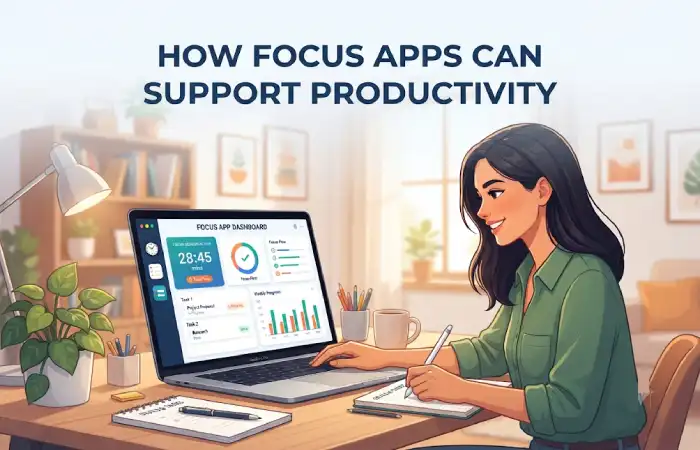
Focus apps are important for helping users enhance productivity by facilitating work in an organized environment, reducing distraction, and establishing reliable work routines. These apps are designed to help you complete your work faster and more efficiently when you have a lot on your plate, whether preparing for exams or managing a telecommuting shift.
Perhaps the most productivity inhibiting aspect of 2026 is the constant barrage of note to self, email alerts, social network updates, and digital disturbances. With evidence indicating that constant context switching leads to wasted effort and extended task completion, focus applications solve this problem by offering us tools to maintain engagement with higher priorities.
Focus apps support productivity by:
- Creating distraction-free environments
- Encouraging deep work sessions
- Tracking productive time
- Identifying time-wasting habits
- Building accountability
More research supported focus tools lean on behavioral science to assist people stay focused and prevent context switching. Multi-device blockers like Freedom are especially helpful because they shut out distractions on phones, tablets and computers all at once.
Modern productivity apps combine focus features, collaboration tools, scheduling, and automation to improve overall efficiency.
Focus Timers
The focus timers enable the user to have an extended period of time to work on the task.
Popular Timer Formats
| Method | Work Session | Break |
| Standard Pomodoro | 25 Minutes | 5 Minutes |
| Extended Focus | 50 Minutes | 10 Minutes |
| Deep Work | 90 Minutes | 15 Minutes |
Focus timer apps help users:
- Avoid burnout
- Improve concentration
- Build momentum
- Maintain energy throughout the day
Some widely-used timer-oriented systems are Forest, Session Pomodoro and Focus To-do.
Pairing focus software with to-do list apps helps users break large projects into manageable tasks and stay on track.
Pomodoro Technique Apps
The Pomodoro Technique is still considered to be one of the best techniques to increase or manage productivity in 2026.
Best Pomodoro Apps Comparison
| App | Best For | Platform | Resource |
| Forest | Gamified focus | iOS, Android | https://www.forestapp.cc |
| Focus To-Do | Tasks + Pomodoro | All Platforms | https://www.focustodo.cn |
| Session | Deep work tracking | Mac, iOS | https://www.stayinsession.com |
| Pomofocus | Free browser timer | Web | https://pomofocus.io |
These apps have combined task management and disciplined work sessions.
Distraction Management Features
Distraction management is one of the greatest abilities of types of focus apps.
Common Features
- Website blocking
- Social media restrictions
- App usage limits
- Notification management
- Locked focus sessions
- Screen time analytics
Freedom, StayFree, Opal and Cold Turkey are popular electronic distraction blockers at present. They function as a barrier between the user and the digital distractions they‘re designed to block.
Many professionals use note-taking apps alongside focus tools to capture ideas without interrupting their workflow.
Habit and Routine Tracking
Sustainable productivity is the result of habits, not sessions of motivation.
Habit tracking features help users:
- Build morning routines
- Track daily goals
- Maintain study schedules
- Develop work consistency
- Measure progress over time
A lot of the newer generation of productivity tools and workflow tools include tracking habits or time or other triggers.
Focus Apps for Work
More sophisticated productivity applications are required by professionals.
Recommended Work-Focused Apps
| App | Best Use Case |
| Freedom | Blocking distractions across devices |
| ClickUp | Team productivity |
| Notion | Knowledge management |
| Todoist | Task organization |
| Motion | AI scheduling |
The technologies all allow teams to work on projects simultaneously, but in ways that don‘t distract members from their individual work.
The best focus solutions often work together with time management apps that track schedules, deadlines, and productivity habits.
Focus Apps for Studying
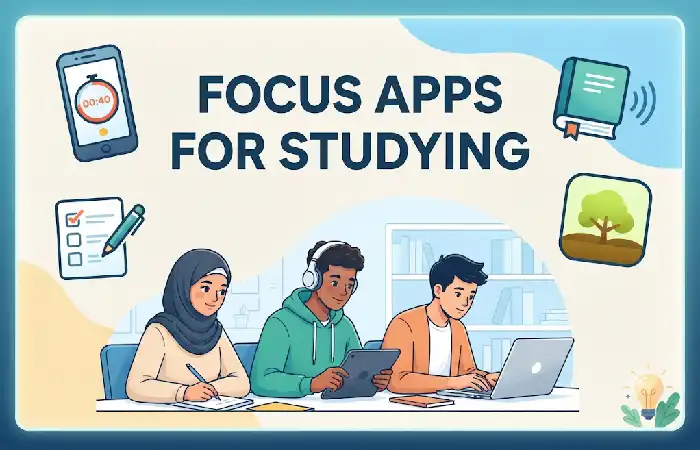
Students like the combination of apps that allow for focused sessions together with features for recognizing milestones and creating habits.
Recommended Study Apps
| App | Main Feature |
| Forest | Gamified studying |
| Pomofocus | Simple Pomodoro timer |
| StayFree | Screen time tracking |
| Focus To-Do | Study planning |
| Habitify | Habit tracking |
Second, these apps are useful for students to boost concentration at the time of revision or online learning.
How to Choose a Focus App
When selecting a focus app, consider:
- Your Biggest Productivity Challenge
- Distractions → Freedom, Cold Turkey
- Time management → Pomodoro apps
- Task overload → Todoist, Notion
- Habit building → Habitify
- Device Compatibility
Ensure the app works across:
- Desktop
- Mobile
- Browser
- Reporting and Analytics
Look for:
- Focus session reports
- Productivity trends
- Screen time insights
- Pricing
Numerous great choices provide free schemes, which make them a good solution for people beginning while they get used to the premium ones.
Teams can improve concentration and accountability by connecting focus tools with project management apps for better task visibility and workflow organization.
Frequently Asked Questions
What are the best focus and productivity apps in 2026?
Popular options are Forest, Freedom, Focus To-Do, Session, StayFree, Notion, and Todoist.
Do focus app works?
Yes. They can minimize distraction, guide your work periods, and develop forward momentum.
What focus app is best for students?
Forest and Pomofocus have such a huge user base because they are both easy to use and great at managing one‘s focus.
Introduce focus apps to boost work productivity?
Yes. Focus apps are popular among many professional users looking to reduce distractions and extend deep work.
Conclusion
Focus and productivity apps have come a long way since a basic timer. They now mash up tools for distraction management, habit building, productivity analytics, and just plain old to-do lists to help you focus and get more done. Whether you‘re a student prepping for exams, a freelancer juggling multiple projects, or just a busy professional getting serious, there is a productivity app to help you. Find the right app to match your work style and keep at it and you‘ll be surprised how much you can accomplish.
Kashifa Jafar is a technology writer and contributor at FutureTechExpert with 4+ years of experience in technology writing and content creation.
Read Full Bio of Author →Sameena reviews selected health, wellness, technology, and digital content for clarity, factual presentation, and reader usefulness.
Read Full Bio of Reviewer →