
 Kashifa Jafar
Technology Writer & Contributor
Kashifa Jafar is a technology writer and contributor at FutureTechExpert with 4+ years of experience in technology writing and content creation.
Read Full Bio of Author →
Kashifa Jafar
Technology Writer & Contributor
Kashifa Jafar is a technology writer and contributor at FutureTechExpert with 4+ years of experience in technology writing and content creation.
Read Full Bio of Author →
 Sameena Begum
Health, Technology & Digital Content Reviewer
Sameena reviews selected health, wellness, technology, and digital content for clarity, factual presentation, and reader usefulness.
Read Full Bio of Reviewer →
Sameena Begum
Health, Technology & Digital Content Reviewer
Sameena reviews selected health, wellness, technology, and digital content for clarity, factual presentation, and reader usefulness.
Read Full Bio of Reviewer →
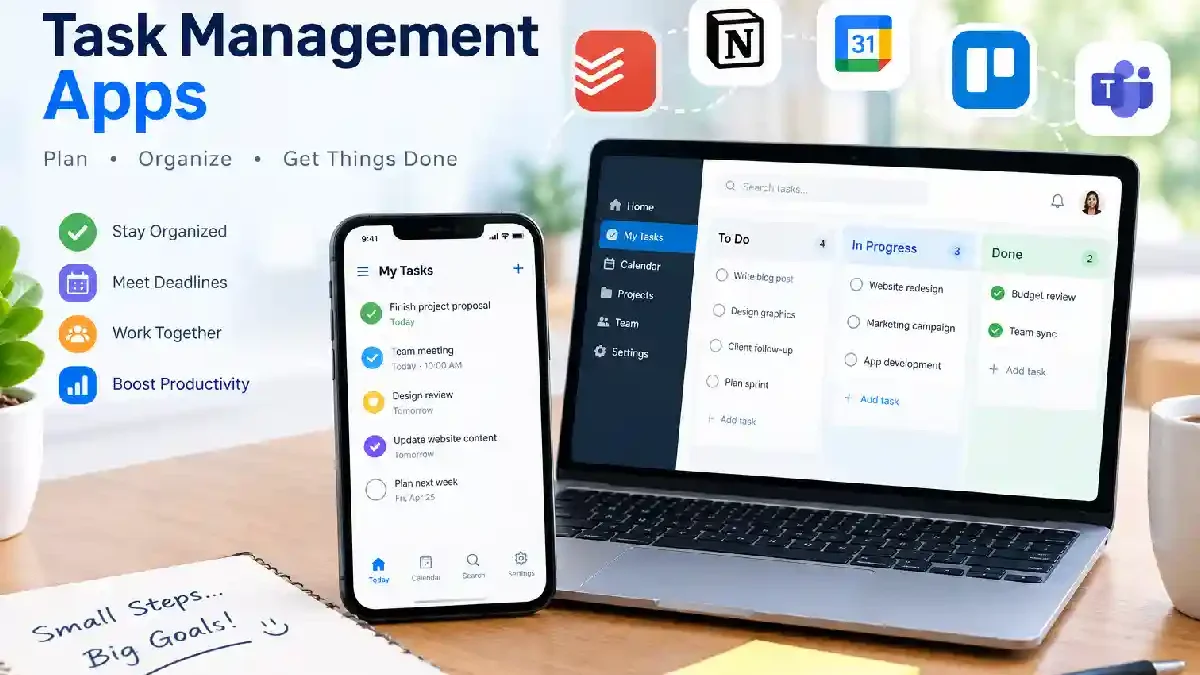
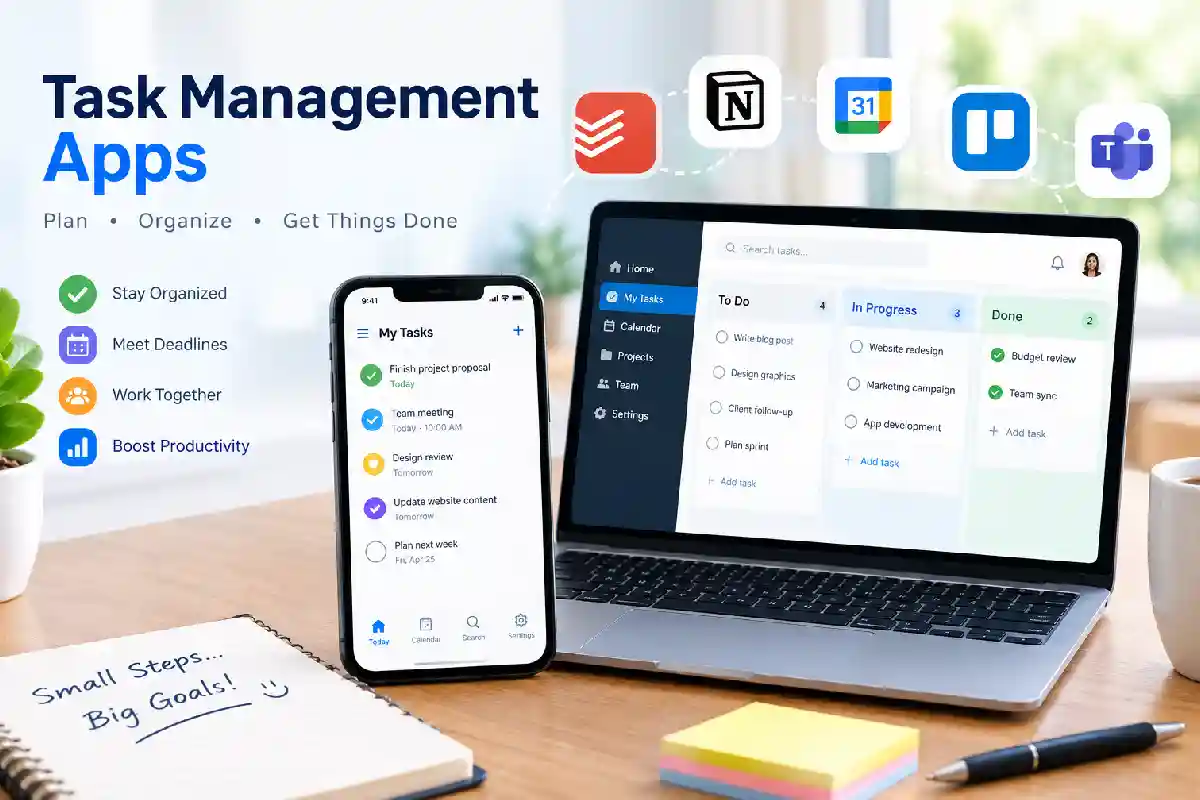
Task management applications have proved the perfect solution for individuals, freelancers and businesses who require to become organized, make deadlines and increase productivity. Task management programs come in very handy whether they‘re used to control personal lists of things to do or for mass team tasks.
Therefore, when by 2026, remote work and hybrid teams, alongside digital collaboration, become standard, you need the perfect task management application to boost your productivity and accountability.
 This article is part of
Productivity Apps Resources
Table of Contents
What Are Task Management Apps?
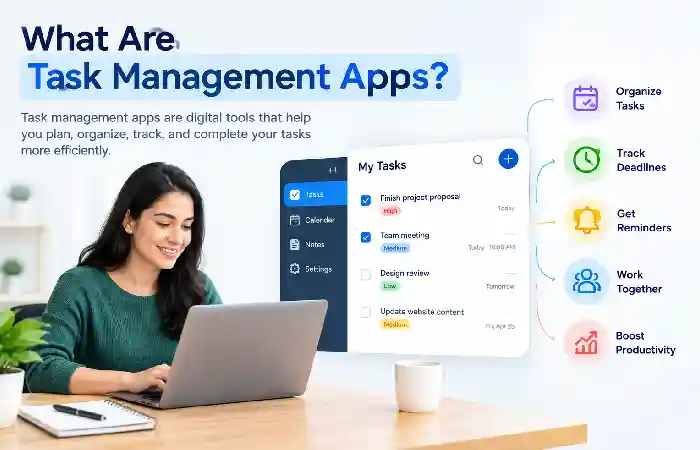
Task management applications are software that enables users to create, assign, organize, prioritize, manage and keep track of the progress of individual or group efforts. These applications provide a collective platform for one‘s work activities.
Most task management apps provide features such as:
- Task creation
- Due dates
- Priority levels
- Reminders
- Team collaboration
- Progress tracking
- Reporting dashboards
All of these features help improve efficiency without the proliferation of notebook pages, spreadsheets, and email threads by unifying a single source of truth.
Task management software plays an important role within the broader category of productivity apps, which help individuals and teams improve organization, collaboration, and efficiency.
Why Use a Task Management App?
Using a task management app offers several benefits:
Improved Productivity
Tasks are well structured, which minimizes the time and effort involved in looking for information.
Better Time Management
Deadlines and reminders keep the user on deadline.
Enhanced Team Collaboration
Team members within the platform can allocate work, send updates, and become a part of communication.
Increased Accountability
It is also possible for managers to see what has been done and the progress of the project as it takes place
Reduced Stress
Clear overview of responsibilities: Helps to avoid missing deadlines and overall load overload.
When everyone uses a structured task management system, it becomes easier to see who is doing what and when.
Essential Features of Task Management Apps
When evaluating task management apps, look for these core features:
| Feature | Purpose |
| Task Creation | Add and manage work items |
| Due Dates | Track deadlines |
| Priority Levels | Focus on important tasks |
| Recurring Tasks | Automate routine work |
| Notifications | Stay updated |
| Collaboration Tools | Coordinate with teams |
| File Attachments | Centralize resources |
| Reporting | Monitor productivity |
| Integrations | Connect with other tools |
These features at their best, help turn unwieldy task lists into a capable productivity system.
Managing tasks is only part of staying productive. Many users also rely on focus and productivity apps to minimize distractions, maintain concentration, and complete important work faster.
Creating and Organizing Tasks
The organization of the task is the foundation of productivity.
Best practices include:
- Breaking large projects into smaller tasks
- Creating task categories
- Using labels and tags
- Grouping related activities
- Organizing work into projects or folders
For example, one of marketing teams may create a set of task that are grouped into content production, SEO, design, and publishing flows.
Most current sites allow drag-and-drop task management using Kanban boards.
Setting Priorities and Deadlines
Not all tasks are created equal.
Most task management apps allow users to assign:
- High priority
- Medium priority
- Low priority
Finally, deadlines also contribute to a timeliness of delivery.
Popular prioritization methods include:
- Eisenhower Matrix
- ABC Prioritization
- MoSCoW Method
- Urgent vs Important Framework
Priorities and deadlines help your team focus on the highest-value work.
While task management focuses on individual assignments, larger teams often need advanced collaboration features offered by project management apps for handling complex projects and workflows.
Recurring Tasks and Reminders
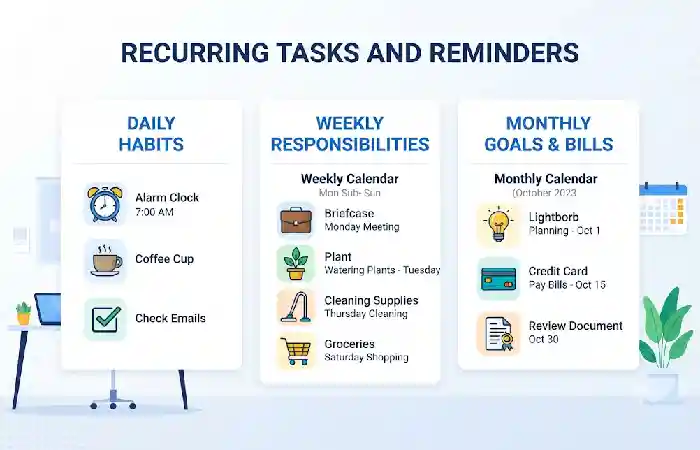
Most business activities we undertake in our everyday business lives are of a repetitive nature.
Examples include:
- Weekly team meetings
- Monthly reports
- Invoice processing
- Content publishing schedules
Automation of the repetitive task which eliminate tasks twice and avoids remaking repetitive work.
Besides the Auto-goal feature, automated reminders also enforce consistency by alerting the user as deadline approaches.
Task Collaboration Features
One of the biggest benefits of new task management apps is collaboration.
Common collaboration features include:
- Task assignment
- Shared workspaces
- Comments and discussions
- Mention notifications
- Activity tracking
- Team dashboards
This helps distributed teams keep the same vision regardless of where they‘re located.
Aimed at collaborative work and transparency across the team, these solutions include Asana, ClickUp or Monday.com.
Completing tasks efficiently requires proper scheduling and prioritization. Integrating task managers with time management apps can help users allocate their time more effectively and improve overall productivity.
How to Choose a Task Management App
The choice of solution will depend on your needs.
For Personal Use
Consider:
- Todoist
- Microsoft To Do
- TickTick
For Small Teams
Consider:
- Trello
- Asana
- ClickUp
For Growing Businesses
Consider:
- Monday.com
- ClickUp
- Wrike
Many task management platforms include features for assigning, organizing, and tracking daily responsibilities. For users who need a simpler approach to personal organization, to-do list apps provide an effective way to manage everyday tasks and stay productive.
Evaluation Checklist
| Criteria | Questions |
| Ease of Use | Is the interface beginner-friendly? |
| Scalability | Can it grow with your team? |
| Integrations | Does it connect with existing tools? |
| Pricing | Does it fit your budget? |
| Security | Does it protect company data? |
| Automation | Can repetitive work be automated? |
Common Task Management Mistakes
Many people are unable to take advantage of their being more productive simply because of poor habit.
Overcomplicating Workflows
Contradictory definitions. The list is getting lost in so many tags, lists and categories and that could be confusing.
Ignoring Priorities
Giving everything the same priority to be urgent is not an effective use of time.
Missing Deadlines
Not setting deadlines increases the likelihood of tasks being overlooked.
Lack of Regular Reviews
Weekly reviews, to ensure projects stay on track.
Poor Team Communication
Without context ofawa task can mislead us.
The following errors should be avoided to achieve an effective result.
Capturing important information is a key part of effective task management. Many professionals combine task tracking tools with note-taking apps to record ideas, meeting notes, and project details in one organized workflow.
Frequently Asked Questions
What is the best task management app in 2026?
It really depends on your needs. For individual tasks Todoist could be your favorite; but for teams ClickUp, Asana and Monday.com seem perfect.
Are task management apps free?
Trello, Asana, ClickUp, and Todoist are some of the many tools that offer free plans with basic features.
Can task management apps improve productivity?
Yes, they do. They facilitate task management, reduce the chances of overlooking for deadlines, increase responsibility, enable effective collaboration.
What features should I prioritize?
Include (if applicable) task organization, alarms/reminders, collaboration services, integrations, and reporting features.
Are task management apps suitable for remote teams?
Yes. Most of the platforms are shaped to support remote and hybrid working.
Conclusion
Task Management Applications have developed from basic to do lists into sophisticated tools of productivity for individuals and business entities alike. These tools allow for planning tasks, automating processes, and collaborating with multiple roles. If you are planning a new project, managing a remote team or handling a multitude of business functions, there is a task management solution for you.
If you look at the basic features that are most important the ability to organize and prioritize tasks, set recurring tasks, and being able to share with others you should be able to find a task management app that can work for you for many years to come. The more work moves into the digital realm in 2026, the more a task management program will be one of the smartest investment you make.
Kashifa Jafar is a technology writer and contributor at FutureTechExpert with 4+ years of experience in technology writing and content creation.
Read Full Bio of Author →Sameena reviews selected health, wellness, technology, and digital content for clarity, factual presentation, and reader usefulness.
Read Full Bio of Reviewer →