
 Kashifa Jafar
Technology Writer & Contributor
Kashifa Jafar is a technology writer and contributor at FutureTechExpert with 4+ years of experience in technology writing and content creation.
Read Full Bio of Author →
Kashifa Jafar
Technology Writer & Contributor
Kashifa Jafar is a technology writer and contributor at FutureTechExpert with 4+ years of experience in technology writing and content creation.
Read Full Bio of Author →
 Sameena Begum
Health, Technology & Digital Content Reviewer
Sameena reviews selected health, wellness, technology, and digital content for clarity, factual presentation, and reader usefulness.
Read Full Bio of Reviewer →
Sameena Begum
Health, Technology & Digital Content Reviewer
Sameena reviews selected health, wellness, technology, and digital content for clarity, factual presentation, and reader usefulness.
Read Full Bio of Reviewer →
Project Management Apps are a vital element of companies, virtual teams, freelancers and even clients. As you can see, whether you have a team of 2 or a much larger company, picking the correct project management app is key. It can be used to co-ordinate projects, projects and communicate.
Contemporary project management tools are not just about task lists. They include planning tools, communications, status tracking, automation, reports, and integrations with other business tools.
In this tutorial you will discover how do project management applications function, what their main advantages and disadvantages are, what a typical mistake is, and how to select the most appropriate application for your team.
 This article is part of
Productivity Apps Resources
Table of Contents
What Are Project Management Apps?
Project Management Applications, also known as project planning software, is a computer-based applications that enable an individual or team to create, organize, and control a complex project from start to completion. It is used to monitor and control a project by allowing the user to manage the various components of the project.
Project management apps help organize workflows that used to be chaotic by bringing all of the elements of project management into one easily accessible place, rather than managing the project through all the projects, emails, and out-of-place communication.
These applications centralize project information, allowing teams to:
- Create tasks
- Assign responsibilities
- Set deadlines
- Track progress
- Share files
- Communicate in real time
- Generate reports
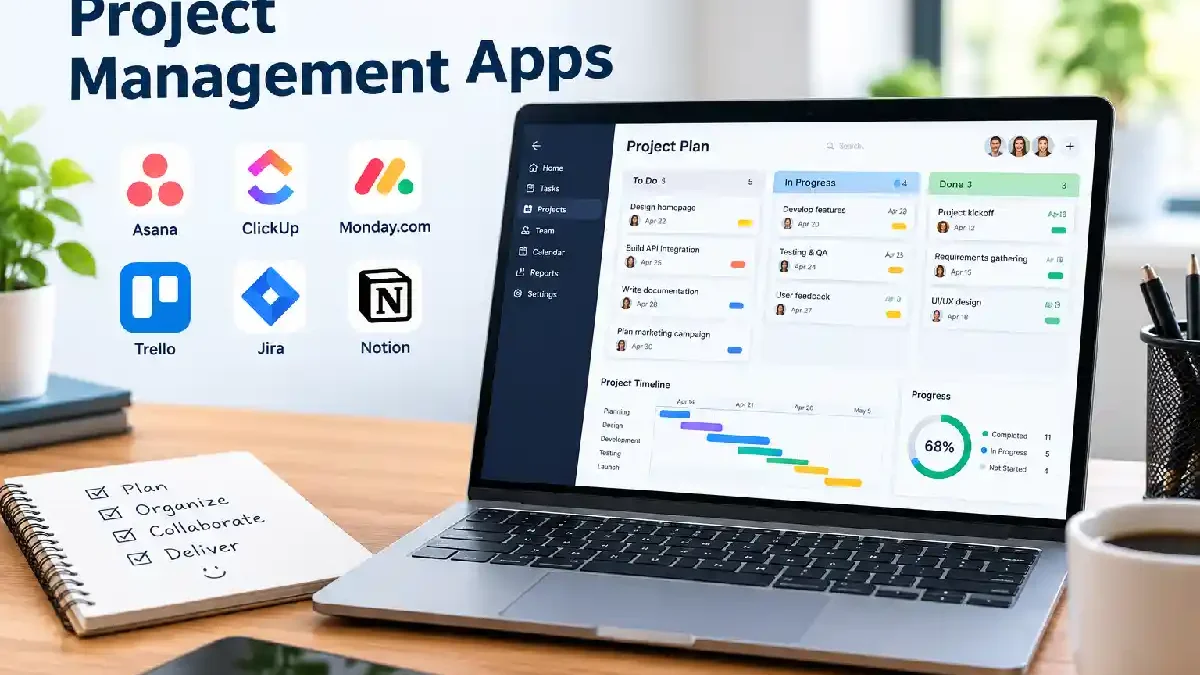
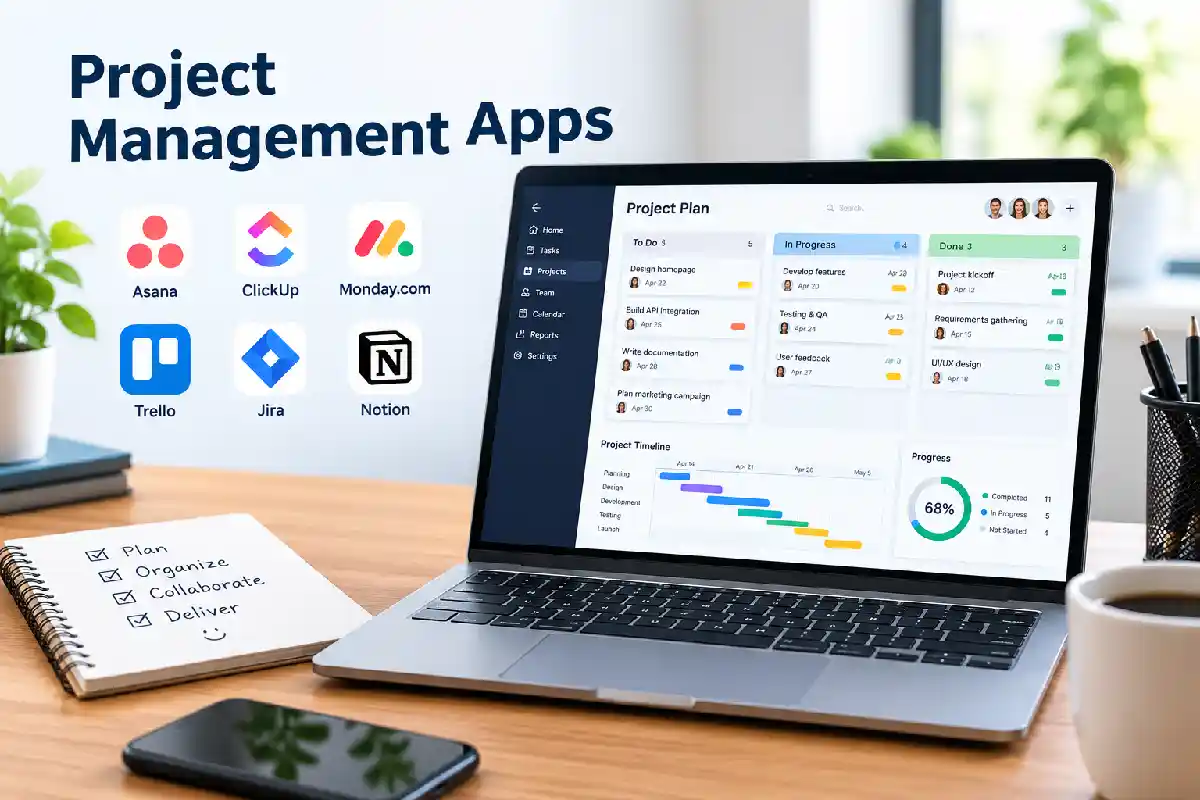
Popular project management apps include:
| App | Best For | Official Website |
| Asana | Marketing & Operations Teams | Asana |
| ClickUp | All-in-One Work Management | ClickUp |
| Monday.com | Visual Project Tracking | Monday.com |
| Trello | Simple Task Management | Trello |
| Jira | Agile Development Teams | Jira Software |
In 2026, the comparison of the software against the project management by industry remain ranking the software as a popular project management software best known for project management.
Project management software is one of the most valuable categories of productivity apps, helping teams organize work, collaborate efficiently, and achieve business goals faster.
Why Use a Project Management App?
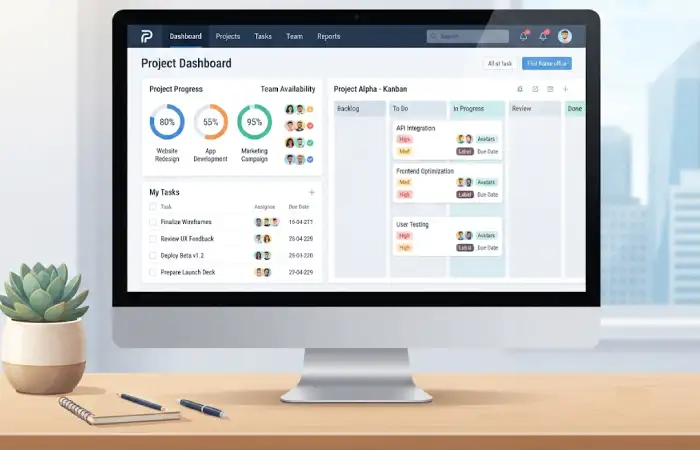
Handling projects that are tracked on spreadsheets, sent by email, and discussed over chat can frequently result in not meeting deadlines and sparse communication.
A project management app helps teams:
Improve Organization
All project details are stored in one place.
Increase Visibility
Managers can monitor project status in real time.
Enhance Collaboration
Team members can communicate directly within tasks.
Reduce Missed Deadlines
Automated reminders keep projects moving.
Improve Accountability
Clear task assignments eliminate confusion.
Support Remote Work
Open-Source A vast pool of open resources. Distributed teams are enabled to work from anywhere.
Traditional project management approaches allow organizations to improve work flow regularly and enhance resource allocation.
Many project management platforms include features similar to task management apps, allowing users to assign tasks, monitor progress, and improve accountability.
Task and Project Organization
Task arrangement is the key to a successful task management.
Most project management apps allow users to:
- Create projects
- Break projects into tasks
- Add subtasks
- Assign priorities
- Attach files
- Add notes and comments
Example Structure
| Level | Example |
| Project | Website Redesign |
| Task | Design Homepage |
| Subtask | Create Wireframe |
| Checklist | Review Design Elements |
This hierarchy keeps teams well-organized and project focused.
For individuals and small teams, to-do list apps provide a simple way to track daily responsibilities and stay organized throughout a project.
Project Planning Features
Tools for planning projects help groups organize projects prior to their execution.
Common planning features include:
Gantt Charts
Visual project timelines showing dependencies.
Resource Allocation
Assign team members based on availability.
Milestones
Track major project achievements.
Workload Management
Prevent employee overloading.
Templates
Use pre-built project structures.
Management tools we’ve listed above might for instance minimize risks and therefore make project more predictable.
Team Collaboration
The one of the most common reasons for organizations’ implementation of project management software is for improved collaboration.
Collaboration Features Include:
- Task comments
- Team messaging
- File sharing
- Mention notifications
- Shared workspaces
- Approval workflows
Most top tools now integrate collaboration and project management into one workspace so that users do not have to move from one software to another.
Teams can improve documentation and knowledge sharing by integrating note-taking apps with their project management workflows.
Project Timelines and Deadlines
Deadlines are critical for project success.
Project management apps help by providing:
| Feature | Benefit |
| Timeline View | Visual schedule management |
| Calendar View | Daily planning |
| Milestone Tracking | Goal monitoring |
| Automated Reminders | Deadline awareness |
| Dependency Tracking | Prevent bottlenecks |
Teams have more control of project schedules and resource planning.
Progress Tracking
Track progress Gives visibility into how well the project is doing.
Most apps include dashboards displaying:
- Completed tasks
- Pending tasks
- Team workload
- Project health
- Budget tracking
- Time tracking
Key Metrics
| Metric | Purpose |
| Task Completion Rate | Measure productivity |
| Milestone Completion | Track progress |
| Resource Utilization | Optimize workloads |
| Time Spent | Improve estimates |
| Project Status | Overall performance |
Contemporary project management tools now offer AI-guided reporting and automation for greater insight and planning.
Project Management Apps Comparison (2026)
| Feature | Asana | ClickUp | Monday.com | Trello | Jira |
| Task Management | ✓ | ✓ | ✓ | ✓ | ✓ |
| Gantt Charts | ✓ | ✓ | ✓ | Limited | ✓ |
| Time Tracking | Limited | ✓ | ✓ | Add-ons | ✓ |
| Automation | ✓ | ✓ | ✓ | Basic | ✓ |
| Collaboration | ✓ | ✓ | ✓ | ✓ | ✓ |
| Agile Support | Moderate | High | Moderate | Basic | Excellent |
| Best For | Operations | All Teams | Workflow Management | Small Teams | Development Teams |
Comparison data based on vendor documentation and industry reviews published during 2026.
Using time management apps alongside project management tools helps teams meet deadlines and optimize resource allocation.
How to Choose a Project Management App
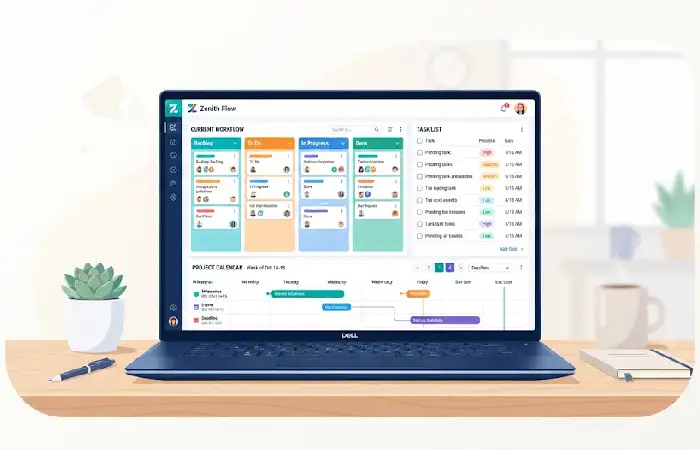
Choosing the right tool depends on your team’s needs.
Consider These Factors
Team Size
Small teams may prefer Trello or Notion.
Project Complexity
Complex projects benefit from Asana, ClickUp, or Jira.
Collaboration Needs
Look for built-in communication features.
Budget
Compare free and paid plans carefully.
Integration Requirements
Ensure compatibility with existing tools.
Reporting Features
Advanced reporting supports data-driven decision-making.
Selection Checklist
✓ Task Management
✓ Project Planning
✓ Collaboration Tools
✓ Automation
✓ Reporting Dashboards
✓ Mobile Access
✓ Security Features
Common Project Management App Mistakes
Even the best software can fail if used incorrectly.
Mistake #1: Too Many Tools
Using multiple platforms creates confusion and duplicate work.
Mistake #2: Poor Task Assignment
Unclear ownership causes delays.
Mistake #3: Ignoring Training
Teams need onboarding to maximize adoption.
Mistake #4: Overcomplicated Workflows
Keep processes simple and scalable.
Mistake #5: Not Reviewing Progress
Regular project reviews improve outcomes.
Professionals often rely on focus and productivity apps to reduce distractions and maintain concentration during complex projects.
Frequently Asked Questions
What is the best project management app?
The best project management app depends on your needs. Asana, ClickUp, Monday.com, Trello, and Jira are among the most popular choices in 2026.
Are project management apps worth it?
Yes. They improve organization, communication, productivity, and project visibility.
Can small businesses use project management apps?
Absolutely. Many platforms offer free plans suitable for startups and small teams.
What features should I look for?
Task management, collaboration, reporting, automation, timeline views, and integrations are essential.
Do project management apps support remote teams?
Yes. Most modern platforms are designed for hybrid and remote collaboration.
Conclusion
Modern Project Management Apps are now essential for effective teams who need greater overall organisation and team collaboration as well as visibility for projects. From project planning to task management, workflow tracking and communicating with project teams, these apps offer the framework to assist in the successful implementation of projects. Choosing the right system that meets the workflow, team goals and budget will afford the experience of increased productivity and reduce delays in project completion.
Kashifa Jafar is a technology writer and contributor at FutureTechExpert with 4+ years of experience in technology writing and content creation.
Read Full Bio of Author →Sameena reviews selected health, wellness, technology, and digital content for clarity, factual presentation, and reader usefulness.
Read Full Bio of Reviewer →