
 Kashifa Jafar
Technology Writer & Contributor
Kashifa Jafar is a technology writer and contributor at FutureTechExpert with 4+ years of experience in technology writing and content creation.
Read Full Bio of Author →
Kashifa Jafar
Technology Writer & Contributor
Kashifa Jafar is a technology writer and contributor at FutureTechExpert with 4+ years of experience in technology writing and content creation.
Read Full Bio of Author →
 Sameena Begum
Health, Technology & Digital Content Reviewer
Sameena reviews selected health, wellness, technology, and digital content for clarity, factual presentation, and reader usefulness.
Read Full Bio of Reviewer →
Sameena Begum
Health, Technology & Digital Content Reviewer
Sameena reviews selected health, wellness, technology, and digital content for clarity, factual presentation, and reader usefulness.
Read Full Bio of Reviewer →
Note-Taking Applications (Apps) are important tools for effective learning and efficient productivity for students and teaching staffs, scholars and researchers, and enterprise users. Be it taking notes during a meeting, archiving research ideas, organizing project notes or developing a personal Wikipedia, the latest note-taking Apps allow users to have a modern way of filing ideas and looking up information.
In 2026, note taking apps are no longer just digital notebooks. Several popular apps have integrated AI assistance, offering enhanced search, collaborative features, cloud sync, task management and knowledge management capabilities. Selecting the appropriate app can greatly enhance productivity and management of information.
 This article is part of
Productivity Apps Resources
Table of Contents
What Are Note-Taking Apps?
Note-Taking Apps are a software application to be used on mobile phone, tablet or computers for users to compose, categorize, archive and share notes. The application substitutes the paper notebook by allowing the seamless entry of information, easily retrieved and searched.
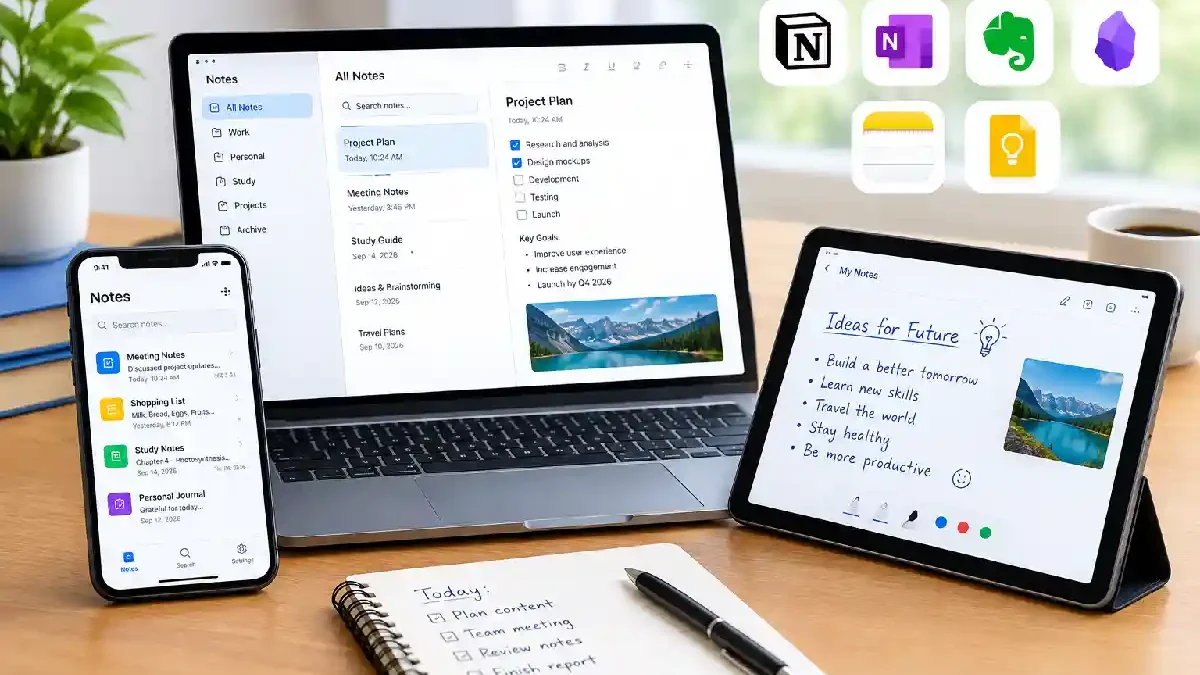
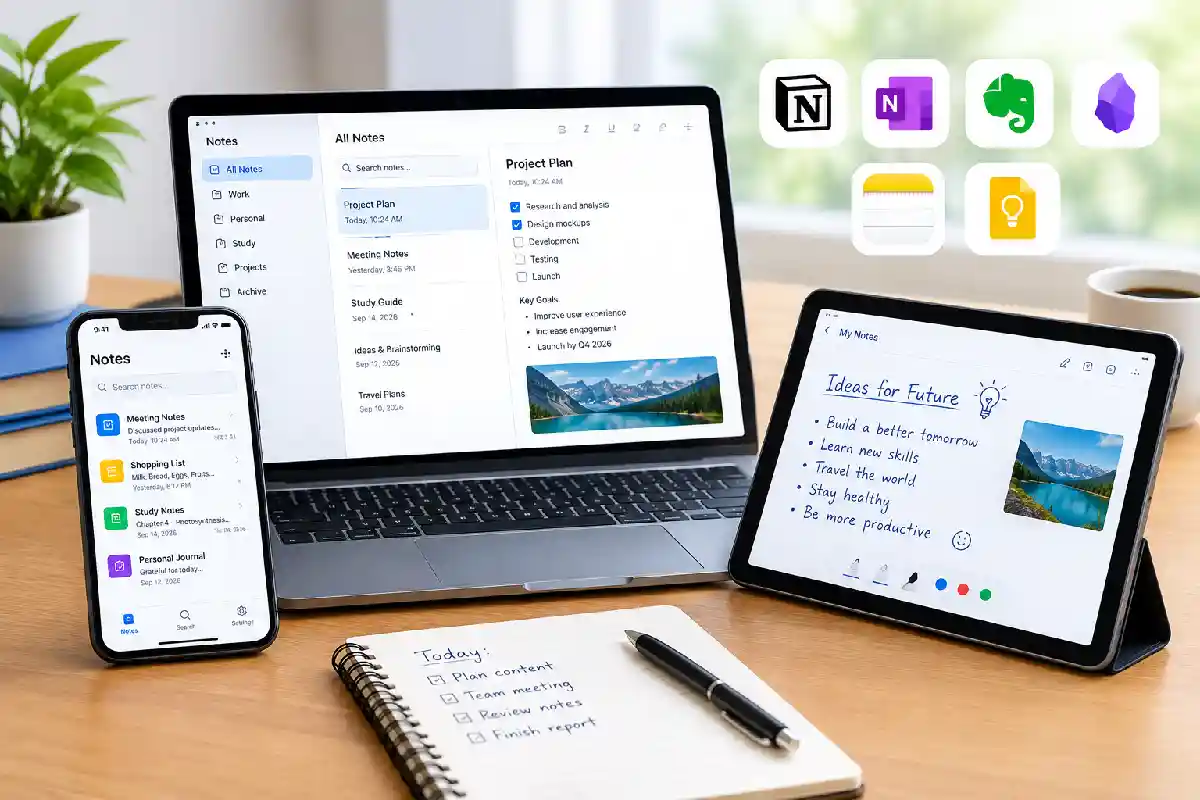
Today‘s note-taking apps are far more advanced than just plain old text editors. They may include formatting options, support images, recordings, PDFs, checklists, tags, folders, and even leverage AI capabilities to help organize and locate the data quickly. Be it for meeting notes, project management, class notes or personal ideas, there‘s a home for it in a note-taking app.
Unlike traditional paper notebooks, digital note apps provide:
- Searchable content
- Cloud backups
- Multimedia support
- Collaboration tools
- Cross-device synchronization
- Tags and categorization
- AI-powered organization
Popular examples include:
- Notion
- Microsoft OneNote
- Obsidian
- Evernote
- Apple Notes
- Google Keep
These applications assist individuals in establishing a centralized repository for ideas, tasks, research, meeting documentation, and other reference material. Today, many note-taking tools integrate with project management and knowledge management functionalities.
Many modern note-taking tools are part of a broader productivity apps ecosystem that helps users organize information, manage tasks, and improve overall efficiency.
Types of Digital Notes
Here are the formats each Note-taking App supports and the various note styles that can be set.
Text Notes
Traditional written notes used for:
- Meeting minutes
- Class lectures
- Journals
- Documentation
Rich Media Notes
Include:
- Images
- PDFs
- Audio recordings
- Videos
- Attachments
Handwritten Notes
Ideal for tablets and stylus users.
Common in:
- Education
- Engineering
- Design
- Brainstorming sessions
Linked Knowledge Notes
Popularized by tools like Obsidian and knowledge management systems.
Benefits include:
- Connecting ideas
- Building research databases
- Creating a “second brain”
Collaborative Notes
Used by teams to:
- Share meeting records
- Manage projects
- Document workflows
Professionals often combine note-taking software with task management apps to transform ideas, meeting notes, and action items into structured workflows.
Essential Features of Note-Taking Apps
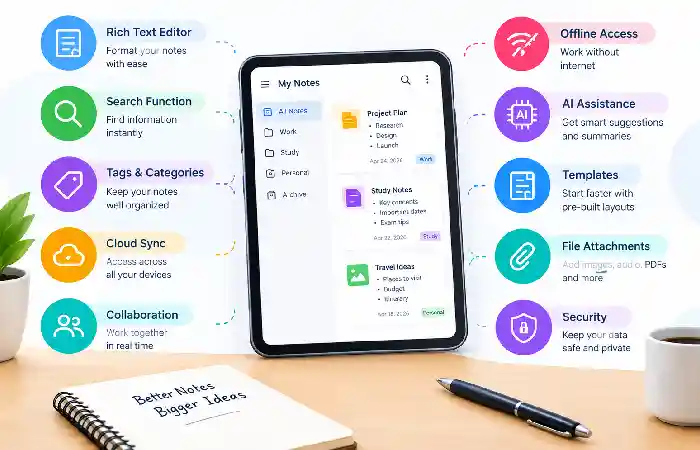
While reviewing note-taking applications, examine only functionalities related to the efficiency of taking notes.
Core Features Checklist
| Feature | Why It Matters |
| Rich Text Editor | Better formatting |
| Search Function | Faster retrieval |
| Tags & Categories | Easier organization |
| Cloud Sync | Access anywhere |
| Collaboration | Team productivity |
| Offline Access | Work without internet |
| AI Assistance | Smart organization |
| Templates | Faster workflows |
| File Attachments | Centralized information |
| Encryption | Improved security |
Contemporary applications of all kinds are blending notes, databases, to-do lists and documents;
Organizing Notes and Information
Taking notes is just the beginning. Information can be of no value unless it is well organized.
Best Practices
Use Folders
Separate notes by:
- Projects
- Clients
- Courses
- Departments
Create Consistent Naming Conventions
Examples:
- Meeting-Client-2026-09
- Marketing-Strategy-Q4
- Research-AI-Tools
Build Categories
Organize notes based on:
- Topic
- Priority
- Team
- Function
Archive Old Notes
Routine cleanup will help with navigating and searching.
Use Templates
Templates help standardize:
- Meeting notes
- Project plans
- Study materials
- Research documents
Many note-taking platforms integrate seamlessly with to-do list apps, making it easier to prioritize tasks and track daily responsibilities.
Search and Tagging Features
Instant retrieval of information is a major advantage of digital note taking applications:
Search Features
Advanced search can locate:
- Keywords
- Attachments
- Dates
- Authors
- Tags
Some platforms also support:
- OCR search
- PDF content search
- Image text recognition
Benefits of Tags
Tags bring versatility to our information organization systems.
Examples:
- #marketing
- #research
- #meeting
- #client
- #important
The development team has found that meta tagging removes the necessity for sitting in front of 10GB of digital images and navigating a deep folder structure. Tagging also allows the retrieval of notes to occur many times faster.
Most productivity gurus advise using a combination of folders and tags for full functionality.
Students and professionals frequently pair digital notebooks with time management apps to schedule activities, set reminders, and improve productivity.
Syncing Notes Across Devices
Modern users work across:
- Smartphones
- Tablets
- Laptops
- Desktop computers
The key advantage of cloud sync is that notes are accessible anywhere.
Advantages of Cloud Sync
- Automatic backups
- Real-time updates
- Multi-device access
- Collaboration support
- Reduced data loss risk
Popular Sync Methods
| Sync Type | Benefits |
| Cloud Sync | Automatic updates |
| Local Storage | Better privacy |
| Hybrid Sync | Flexibility |
| Enterprise Sync | Team management |
Apps such as Notion, OneNote, Evernote and Apple Notes deliver robust synchronization, while apps like Obsidian emphasizing local-first storage with optional syncing.
Collaborative note-taking becomes more effective when connected to project management apps that centralize documentation, team communication, and project tracking.
Note-Taking Apps for Work
Note taking software is essential for most businesses for collaboration, record keeping, etc.
Common Workplace Uses
- Meeting notes
- Project planning
- Knowledge bases
- SOP documentation
- Client records
- Team collaboration
Recommended Business Apps
| App | Best For |
| Notion | Team collaboration |
| OneNote | Microsoft environments |
| Evernote | Information capture |
| Obsidian | Research workflows |
| Google Keep | Quick notes |
Note-taking software has become a popular tools for companies to manage their internal knowledge.
Note-Taking Apps for Students
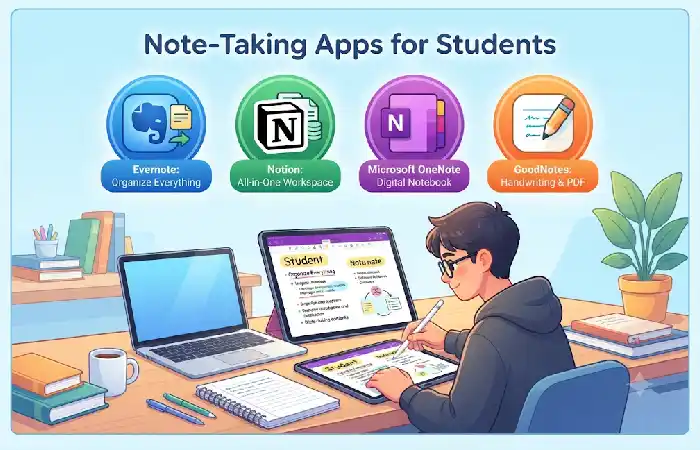
Digital note organization is extremely advantageous to students.
Academic Benefits
- Organized lecture notes
- Research management
- Assignment tracking
- Study planning
- Revision preparation
Student-Friendly Features
- Handwriting support
- Audio recording
- Cloud synchronization
- PDF annotation
- Offline access
Student App Comparison (2026)
| App | Strength |
| OneNote | Handwritten notes |
| Notion | Study planning |
| Obsidian | Research organization |
| Apple Notes | Simplicity |
| Google Keep | Quick capture |
Choosing a handwriting assistant, many use OneNote, for instance, and a tool to organize courses, courses, recourses and study materials as well using the Notion.
How to Choose a Note-Taking App
The choice of which application to use depends on what works best for your workflow and needs.
Consider These Factors
- Ease of Use
Beginners often prefer:
- Apple Notes
- Google Keep
- OneNote
- Collaboration Requirements
Teams typically choose:
- Notion
- OneNote
- Privacy and Data Ownership
Users wanting local file control often prefer:
- Obsidian
- Joplin
- Research and Knowledge Management
Strong options include:
- Obsidian
- Notion
- Capture and Clipping
Excellent choices:
- Evernote
- OneNote
Users looking to minimize distractions often combine note-taking tools with focus and productivity apps to maintain concentration and support deep work sessions.
FAQ
What is the best note app of 2026?
The ideal app will vary depending on your needs. Notion is a widely used app for collaboration, OneNote is popular among students, and Obsidian is great for knowledge management and local ownership of files.
Are note-taking applications free?
Most of these major apps provide free accounts with the ability to upgrade to a premium account.
What Note Taking Apps Can Be Used without Internet Access?
OneNote, Obsidian, Apple Notes and Evernote have a great offline experience.
Are note taking applications safe?
Most sites have encryption, backups to the cloud, and account security. Enterprise plans will generally offer increased security
Is it now possible for notes-taking applications to replace paper notebooks?
Paper cannot deliver the searchability, synchronization, backups and shared access that most electronic notes can.
Conclusion
Note-Taking Apps have transformed into essential productivity tools that enable people to record ideas, organize information, and develop enduring knowledge repositories. No matter if you are a student managing lecture notes, an employee recording meetings, or a researcher creating a digital archive; the appropriate note-taking application can significantly boost your productivity and structure.
Identify the best solution for you by considering your workflow, device preferences, need for collaboration, and desired long-term solutions for storing information. Blending your solid organization skills with today‘s note-taking technology, you will have a valuable system in place to capture and find information precisely when you need it.
Kashifa Jafar is a technology writer and contributor at FutureTechExpert with 4+ years of experience in technology writing and content creation.
Read Full Bio of Author →Sameena reviews selected health, wellness, technology, and digital content for clarity, factual presentation, and reader usefulness.
Read Full Bio of Reviewer →