
 Kashifa Jafar
Technology Writer & Contributor
Kashifa Jafar is a technology writer and contributor at FutureTechExpert with 4+ years of experience in technology writing and content creation.
Read Full Bio of Author →
Kashifa Jafar
Technology Writer & Contributor
Kashifa Jafar is a technology writer and contributor at FutureTechExpert with 4+ years of experience in technology writing and content creation.
Read Full Bio of Author →
 Sameena Begum
Health, Technology & Digital Content Reviewer
Sameena reviews selected health, wellness, technology, and digital content for clarity, factual presentation, and reader usefulness.
Read Full Bio of Reviewer →
Sameena Begum
Health, Technology & Digital Content Reviewer
Sameena reviews selected health, wellness, technology, and digital content for clarity, factual presentation, and reader usefulness.
Read Full Bio of Reviewer →
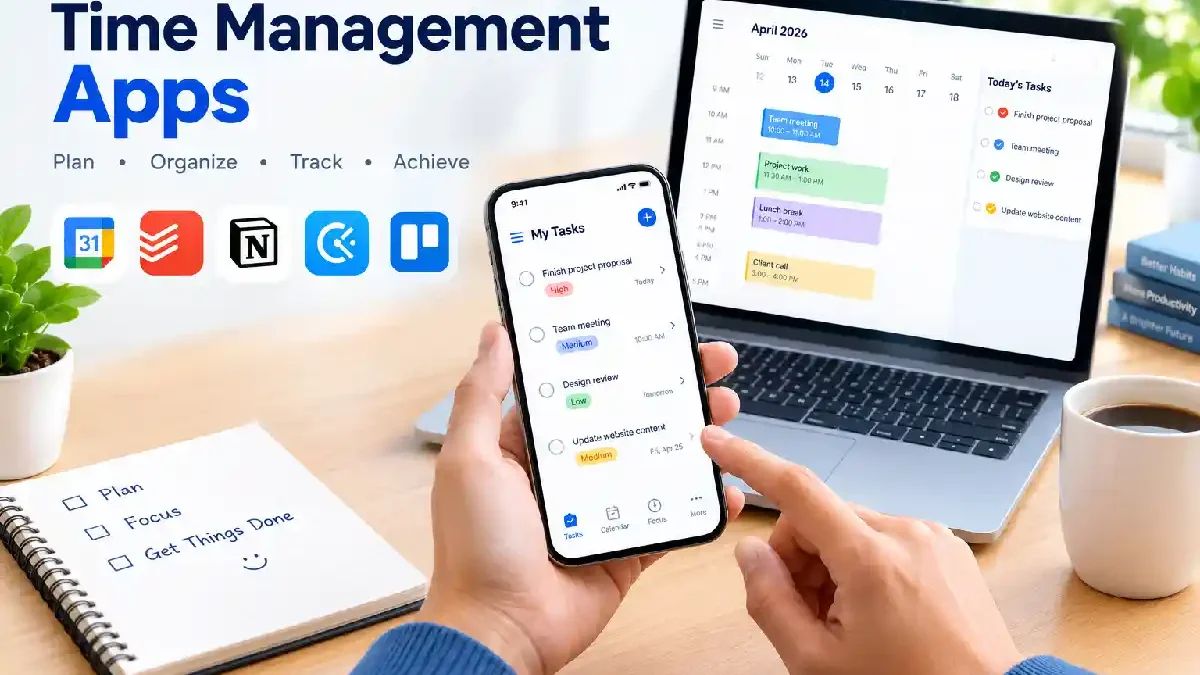
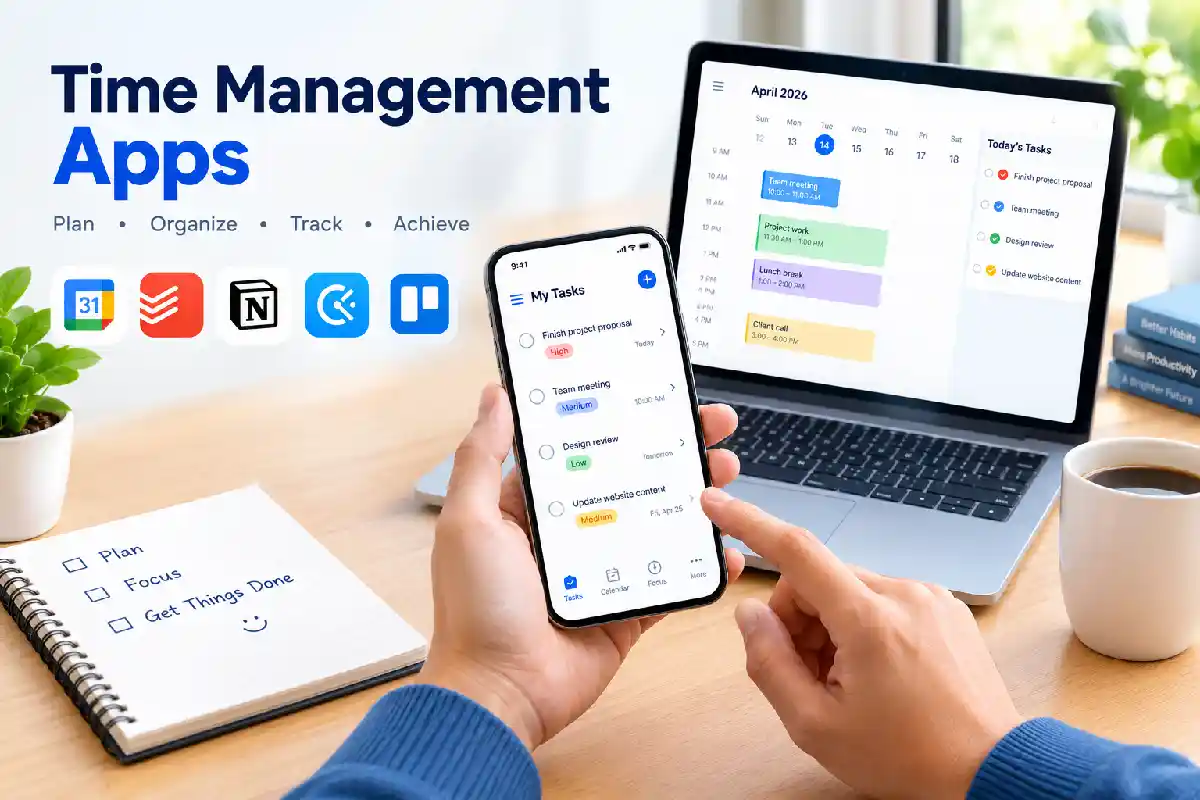
Time Management Apps have played a vital role in making a great boost to the life of students, professionals, freelancers, business owners and all alike in practicing the efficient and organized way of their lives. For the purpose to schedule meetings, track the work hours, manage the projects or reminders etc. the use of appropriate app is highly beneficial.
BY 2026, new-generation time management applications will integrate AI-driven scheduling, task management, time tracking, reminders, and analytics to empower users to accomplish more in less time. This is a primer on how these applications will work and includes a selection of the I have found the most useful.
 This article is part of
Productivity Apps Resources
Table of Contents
What Are Time Management Apps?
Time management apps 1960s technology found all over and anyone interested in improving their Work, School, or home The focus of a time management app is mainly to plan, schedule, organize, log, monitor and streamline your times used around your daily routine. These apps use elements such as tasks lists, year planners, calendars, note taking, reminders, time-tracking, analytic software for activities.
Common examples are Todoist, Google Calendar, RescueTime, Clockify, and Notion. Many integrate several applications to create a comprehensive productivity ecosystem.
Benefits of Time Management Apps
- Improve productivity
- Reduce procrastination
- Track work hours accurately
- Organize personal and professional tasks
- Meet deadlines consistently
- Improve work-life balance
- Gain insights into time usage
Time management apps are designed to help users organize schedules, prioritize responsibilities, and make better use of their available hours. As part of the broader productivity apps ecosystem, these tools support better planning, task execution, and goal tracking.
Why Use Apps for Time Management?
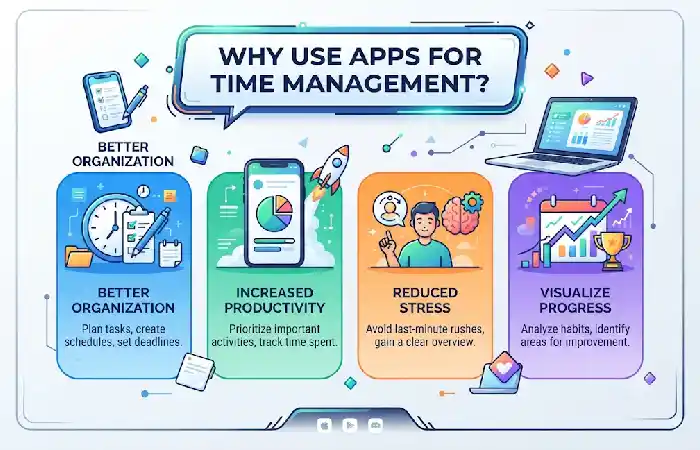
As our commitments for work, education and leisure work harder to impose on our limited time, time management has become more complex. Time management applications enable people to plan, work through their day, record their productivity, and stay motivated. Rather than using paper and pen, our sort of digital assistant can send us reminders, autorun your calendar, and analyze our productivity.
Key Advantages
| Benefit | Description |
| Real-Time Sync | Access schedules across devices |
| Automation | Recurring tasks and reminders |
| Analytics | Understand productivity patterns |
| Collaboration | Share tasks and calendars |
| AI Assistance | Smart scheduling and prioritization |
| Accessibility | Available anytime, anywhere |
Most productivity tools tested across various top productivity services for example reveal that a productivity system where we use our tools for combining task management as well as scheduling and tracking or any other best combination is having the best.
One of the biggest advantages of time management software is its ability to improve organization and accountability. Many users combine these tools with task management apps to track assignments, set priorities, and monitor progress more effectively.
Essential Time Management App Features
Every time management application does not come with the same support. The top applications will include scheduling, organization of tasks, activity tracking and automation tools to give you everything needed to stay on top of your work and maximize efficiency. Decide what‘s essential in time management apps to choose the easiest to use tool for your operation.
| Feature | Why It Matters |
| Task Management | Organize priorities |
| Calendar Integration | Manage schedules |
| Time Tracking | Measure productivity |
| Reminders | Prevent missed deadlines |
| Reporting | Analyze time usage |
| Collaboration | Coordinate teams |
| Mobile Access | Manage tasks anywhere |
| Automation | Reduce manual work |
Recommended Resources
| Resource | Link |
| Todoist | Todoist Official Site |
| Clockify | Clockify Official Site |
| RescueTime | RescueTime Official Site |
| Google Calendar | Google Calendar |
| Notion | Notion Official Site |
Scheduling Daily Activities
Scheduling assists users in assigning certain blocks of time for significant activities and meetings.
Best Practices
- Schedule important work first
- Set realistic deadlines
- Reserve focus time
- Plan breaks between tasks
- Review schedules daily
Apps such as Google Calendar and Motion help users create structured daily schedules and reduce decision fatigue.
When evaluating time management solutions, look for features such as scheduling, reminders, calendar integration, and reporting. Businesses handling multiple projects may also benefit from integrating with project management apps that provide collaboration and workflow management capabilities.
Time Tracking
Time tracking reveals how time is actually spent throughout the day.
Benefits of Time Tracking
- Identify productivity bottlenecks
- Reduce distractions
- Improve project estimates
- Increase accountability
- Track billable hours
Popular Time Tracking Apps
| App | Best For |
| Clockify | Teams |
| Toggl Track | Freelancers |
| RescueTime | Automatic tracking |
| TimeCamp | Agencies |
| My Hours | Small businesses |
Many productivity experts recommend tracking time for at least one week before optimizing workflows.
Students often use time management tools to balance coursework, exams, and extracurricular activities. Pairing these solutions with note-taking apps can make it easier to organize lecture notes, study materials, and assignment deadlines in one efficient workflow.
Reminders and Notifications
Reminders ensure important tasks are not forgotten.
Common Reminder Types
- Deadline reminders
- Meeting alerts
- Recurring task notifications
- Follow-up reminders
- Habit tracking alerts
To avoid notification fatigue:
- Limit unnecessary alerts
- Prioritize critical reminders
- Schedule focus periods without interruptions
Professionals frequently rely on time management software to improve productivity and meet deadlines. Many also use focus and productivity apps to reduce distractions and maintain concentration during important tasks.
Time Blocking
Time blocking is considered to be one of the top productivity techniques in 2026.
User is not given a task list like in the simple task list example; instead the user selects time intervals of the day by their activity.
Example Time Blocking Schedule
| Time | Activity |
| 8:00–9:00 AM | Email Review |
| 9:00–11:00 AM | Deep Work |
| 11:00–12:00 PM | Meetings |
| 1:00–3:00 PM | Project Work |
| 3:00–4:00 PM | Administrative Tasks |
| 4:00–5:00 PM | Planning & Review |
Google Calendar remains one of the most widely used tools for time blocking.
How to Choose a Time Management App
Different users need different solutions.
Comparison Table (2026)
| App | Best For | Free Plan | Key Feature |
| Todoist | Personal Productivity | Yes | Task Management |
| Google Calendar | Scheduling | Yes | Time Blocking |
| RescueTime | Focus Improvement | Limited | Automatic Tracking |
| Clockify | Teams | Yes | Time Tracking |
| Notion | All-in-One Workspace | Yes | Projects + Notes |
Sources: 2026 software reviews and productivity comparison reports.
Selection Checklist
Choose an app that offers:
- Easy user interface
- Mobile and desktop access
- Integrations with existing tools
- Affordable pricing
- Reliable customer support
- Strong security features
Creating and tracking daily priorities becomes much easier with to-do list apps, which help users capture tasks, set reminders, and stay organized throughout the day.
Common Time Management Mistakes
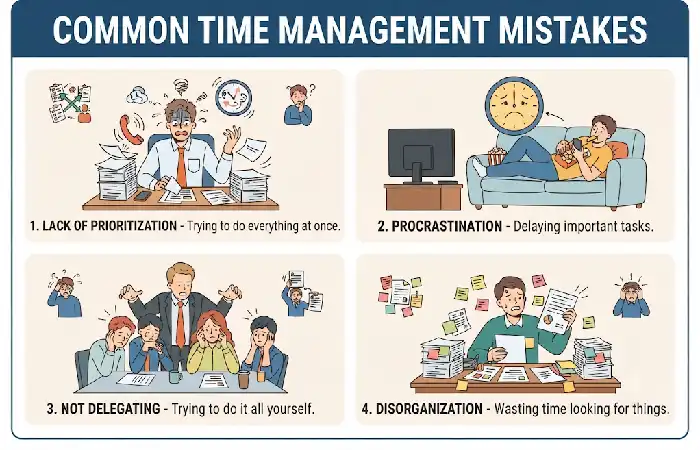
Even the best app cannot fix poor productivity habits.
Mistakes to Avoid
- Using too many productivity apps
- Ignoring task prioritization
- Overloading daily schedules
- Not reviewing progress
- Disabling all reminders
- Multitasking excessively
- Failing to track time
Experts recommend using one tool each for scheduling, task management, and time tracking rather than maintaining multiple overlapping systems.
Frequently Asked Questions
What is the best time management app in 2026?
The best app depends on your needs. Todoist excels in task management, Google Calendar is excellent for scheduling, Clockify provides strong time tracking, and RescueTime helps improve focus.
Are free time management apps effective?
Yes. Many leading apps offer free plans that provide enough functionality for individuals and small teams.
Can time management apps improve productivity?
Yes. They help users organize tasks, schedule activities, monitor progress, and reduce distractions.
What is time blocking?
Time blocking is a productivity technique that assigns specific time slots to tasks throughout the day.
Should I use multiple productivity apps?
A small stack usually works best: one scheduling app, one task manager, and one tracking tool.
Conclusion
Time Management Applications can help be more productive, reduce stress, and reach our goals. If you‘re looking for task organization, scheduling, tracking time, or simply trying to focus, digital productivity tools have something to offer.
Begin by selecting the most significant hurdle whether it is planning, tracking, or concentrate and select the application that fits that need. By using these applications day to day in conjunction with productivity habits you will begin to claw back precious hours and feel as though every day is efficient
Kashifa Jafar is a technology writer and contributor at FutureTechExpert with 4+ years of experience in technology writing and content creation.
Read Full Bio of Author →Sameena reviews selected health, wellness, technology, and digital content for clarity, factual presentation, and reader usefulness.
Read Full Bio of Reviewer →